
 Need help?
Do you have a question about the Lenovo Pen Pro and is the answer not in the manual?
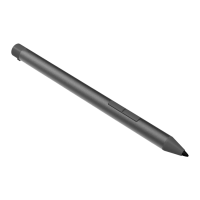
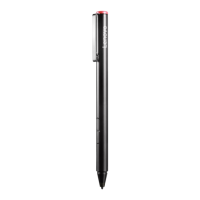
The first button on the pen, used for various functions.
Indicates charging status and Bluetooth pairing status.
The port used for charging the pen.
This button's default function is right-click.
This button's default function is to erase text or drawings.
The writing or drawing point of the Lenovo Pen Pro.
 General
| Pressure Sensitivity | 4096 levels |
|---|---|
| Connectivity | Bluetooth |
| Charging | USB-C |
| Tilt Detection | Yes |
| Palm Rejection | Yes |
| Compatibility | Lenovo devices with active pen support |
| Battery Type | Rechargeable lithium-ion |


 To Next Page