Turning on/off
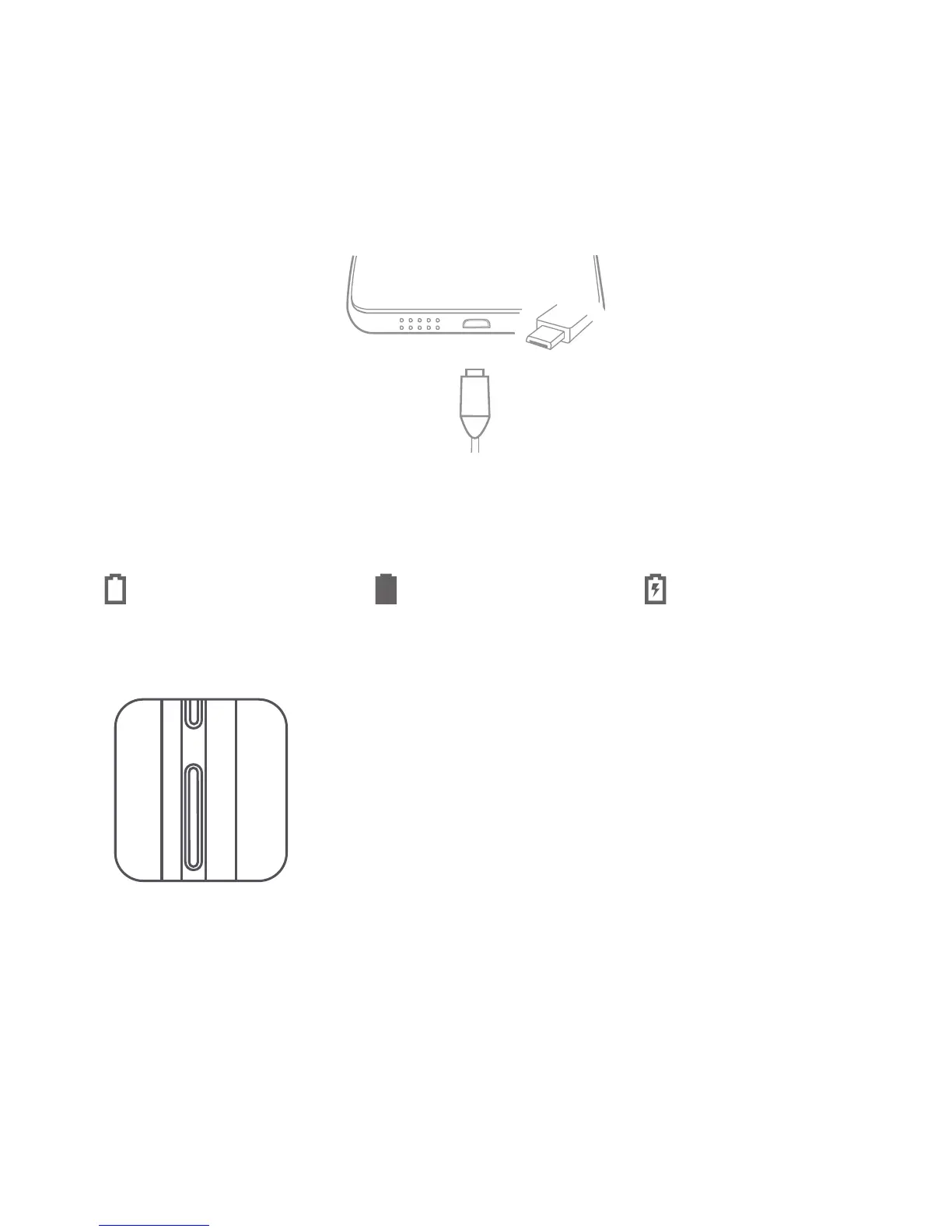
You might need to charge the battery before using your device.
Charge the battery as shown.
Connect your device to a power outlet using the cable and USB power adapter
provided.
Low battery Fully charged
Charging
Turn on: Press and hold the On/Off button until the
Lenovo logo appears.
Turn off: Press and hold the On/Off button for a few
seconds, then tap Power off.
Restart: Press and hold the On/Off button for a
few seconds, then tap Reboot.
Starting to use your device
Taking screenshots
Press and hold the On/Off button and the Volume down button at the same time.



 To Next Page