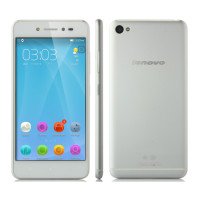
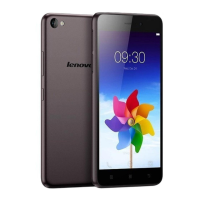
Turning on or turning off your smartphone
Turn on: Press and hold the On/Off button until
the Lenovo logo appears.
Turn of f
: Press and hold the On/Off button for a
few seconds, then tap Power
off.
Your smartphone has a rechargeable battery. For more information
about battery safety, see the “Rechargeable battery notice” in the
Important Product Information Guide shipped with your smartphone.
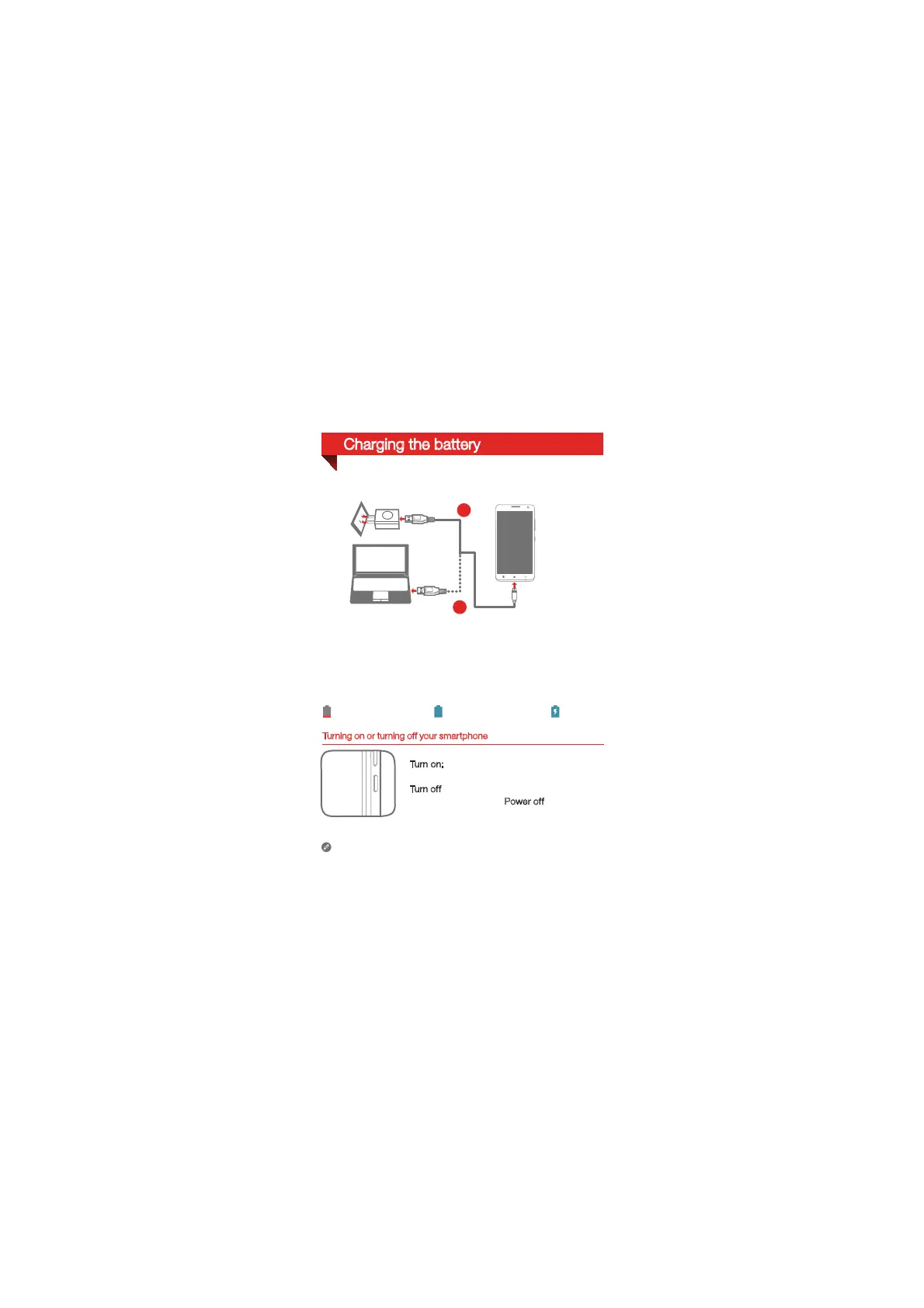
Low battery power Fully charged Charging
2
1
Charge the battery as shown.
Method 1.
Method 2.
Connect your smartphone to a power outlet using the
cable and USB power adapter that come with your
smartphone.
Connect your smartphone to a computer using the cable
that comes with your smartphone.
Charging the battery



 To Next Page