2
Preparing your device
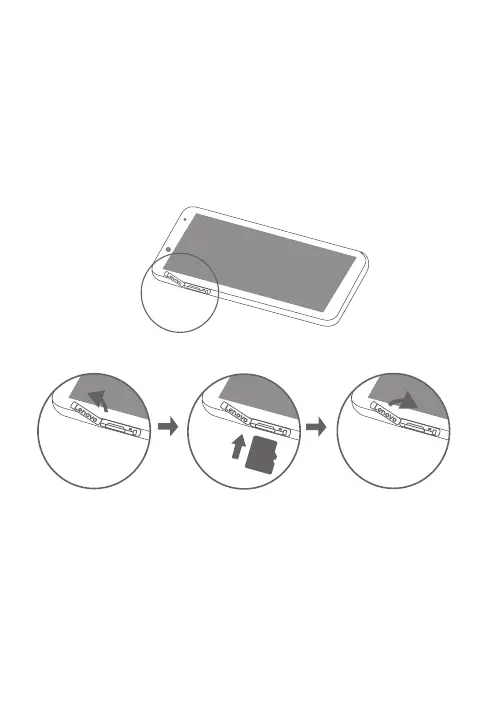
Use a microSD card (sold separately) for extra storage.
Step 1. Open the card slot cover.
Step 2. Insert the microSD card as shown.
Step 3. Replace the card slot cover.
1
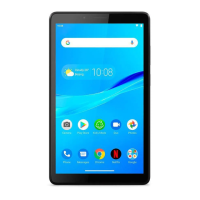
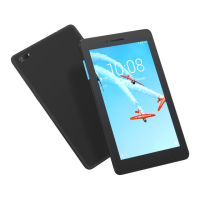
Front camera Speaker Indicator
Touch screen Power button Volume buttons
Rear camera Micro USB connector Headset connector
Card slot Microphone
microSD
Please make sure the temperature for device will be 0 °C ~ 40°C.


 To Next Page