Basics
Before using this information and the product it supports, be sure to read the
following:
Safety, Warranty & Quick Start Guide
Regulatory Notice
"Important safety and handling information" in "Appendix".
The
Safety, Warranty & Quick Start Guide
and the
Regulatory Notice
are
available on the website at http://support.lenovo.com.
Lenovo Companion
Looking for help? The Lenovo Companion app can offer you support for getting
direct access to Lenovo's web assistance and forums*, frequent Q&A*, system
upgrades*, hardware function tests, warranty status checks*, service
requests**, and repair status**.
Note:
* requires data network access.
** is not available in all countries.
You have two ways to get this app:
Search for and download the app from Google Play.
Scan the following QR code with a Lenovo Android device.
Technical specifications
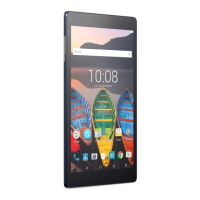
Model Lenovo TB3–850F Lenovo TB3–850M









 To Next Page