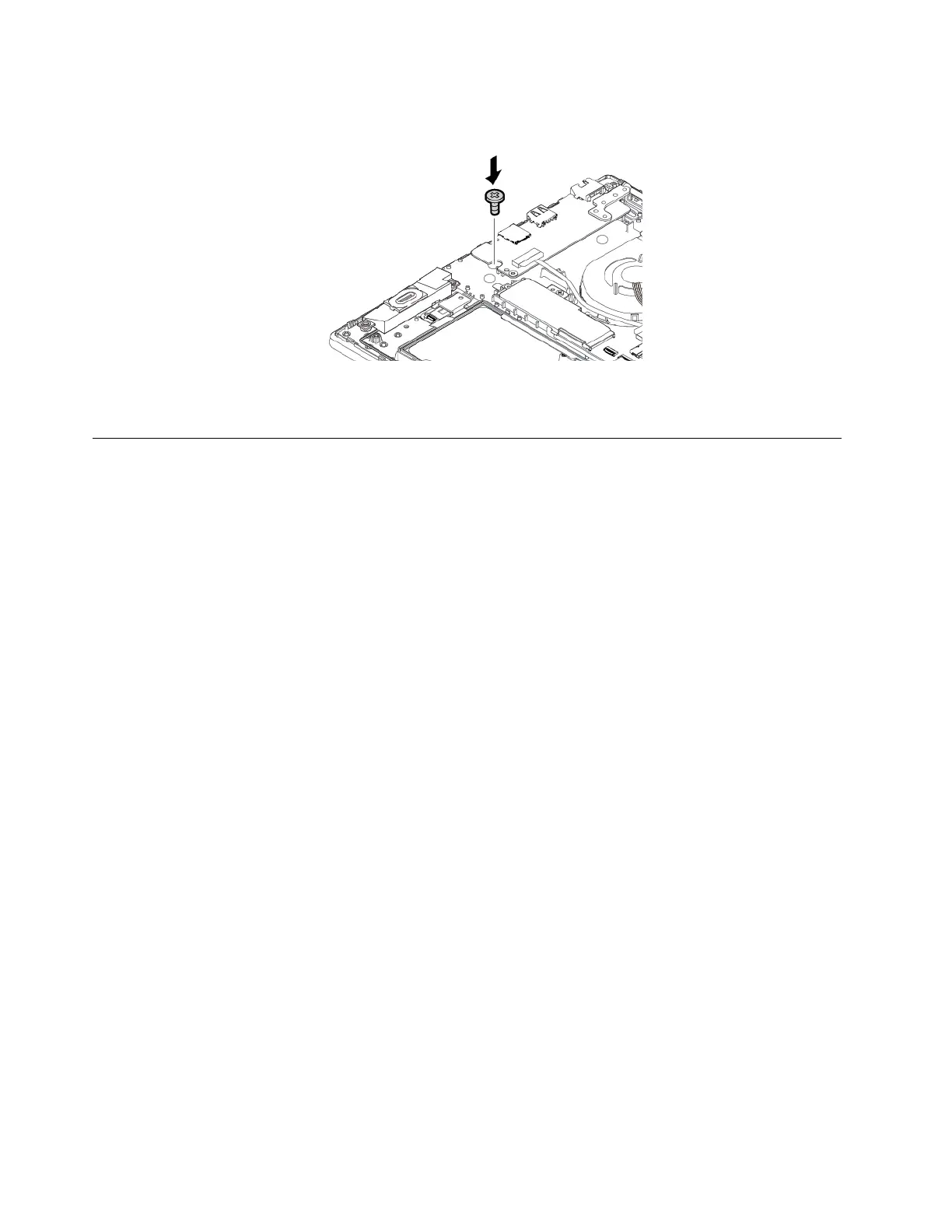
6. Install the screw to secure the keyboard.
7. Reinstall the base cover assembly.
8. Connect the ac power adapter and all cables to the computer.
Replacing the base cover assembly
Before you start, read “Important safety information” on page iii and print the following instructions.
Notes:
• Depending on the model, your computer might look slightly different from the illustrations in this topic.
• There might be a risk of short circuits if you remove the base cover assembly in the following situation:
– When your computer is connected to ac power
Besides, the computer will not start after you reinstall the base cover assembly. To start the computer,
disconnect the ac power adapter and then reconnect it to the computer.
To replace the base cover assembly, do the following:
1. Disable the built-in battery. See “Disabling the built-in battery” on page 76.
2. Ensure that the computer is turned off and disconnected from ac power and all cables.
3. Close the computer display and turn the computer over.
84
E580 User Guide














 To Next Page