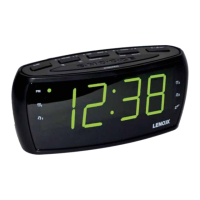
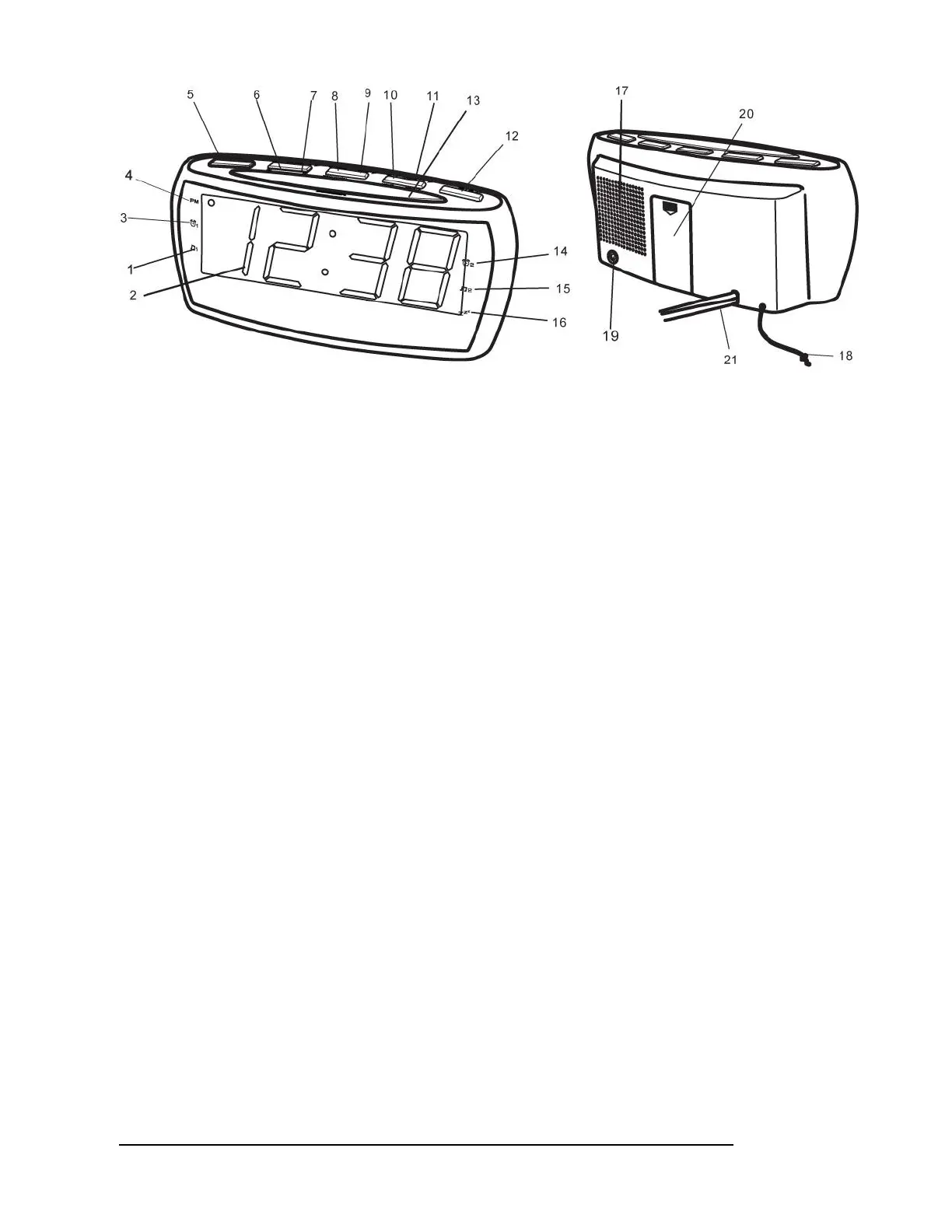
1. MUSIC (RADIO) ALARM 1 INDICATOR
2. MULTI FUNCTION LED DISPLAY
3. BEEPING ALARM 1 INDICATOR
4. PM INDICATOR
5. SLEEP BUTTON
6. ALARM 1/VOLUME DOWN (-) BUTTON
7. ALARM 2/VOLUME UP (+) BUTTON
8. TIME SET and PRE/M+ BUTTON
9. MODE BUTTON
10. TUNING-/HOUR SET BUTTON
11. TUNING +/MINUTE SET BUTTON
12. POWER ON/STANDBY/ ALARM OFF BUTTON
13. SNOOZE BUTTON and DIMMER BUTTON
14. BEEPING ALARM 2 INDICATOR
15. MUSIC (RADIO) ALARM 2 INDICATOR
16. SLEEP INDICATOR
17. SPEAKER
18. FM WIRE ANTENNA
19. AUX IN PORT
20. BATTERY COMPARTMENT COVER
21. AC POWER CORD
Radio
1. Press the “ON/OFF” button to turn the clock radio on or off.
2. Press the “MODE” button to select radio band.
3. Adjust the “TUNING+” or “TUNING-“ to select the desired station.
4. Press the “VOL +” or “VOL - “button to adjust the volume.
5. Press the “PRE/M+ BUTTON” button to store your desired station. The display will show the “P01” means
your station will be saved on the first pre-set. If it displays “P02” this means the station is saved in the second
pre-set. Please note you can only recall the preset station when you save all 10 stations.


 To Next Page
 Loading...