TROUBLESHOOTING NETWORK FAILURES:
1. Ensure the Pet Feeder is powered on the and the green light is always on.
2. Ensure that the device is in the correct state for network configuration.
“EZ mode” (default): The Pet Feeders red light flashes quickly (2 flashes per second).
“AP mode”: The Pet Feeders red light flashes slowly (1 flash every 3 seconds).
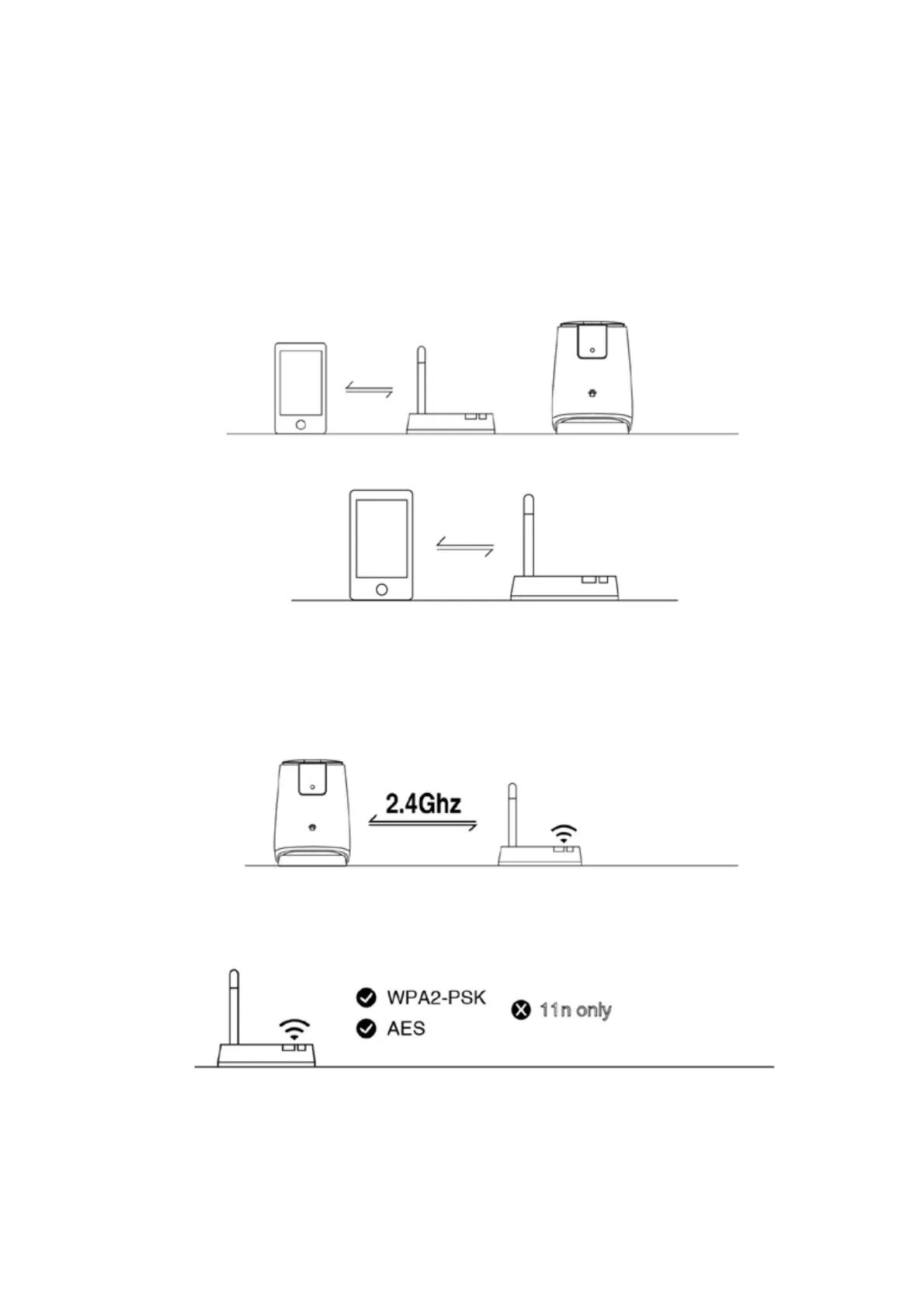
3. Ensure the Pet Feeder, smart device and router are close.
4. Ensure the router and smart device network is un-blocked.
5. Ensure the entered router password is correct (lower case, uppercase, number, characters,
etc).
6. Ensure that the 2.4G WIFI band of the router is used to add devices. WIFI needs to enable
broadcasting, can not be set to hidden.
7. Ensure that the encryption method in the wireless settings of the router is WPA2-PSK type,
the authentication type is AES, or both are set as default, and the wireless mode cannot be
11n only.



 To Next Page