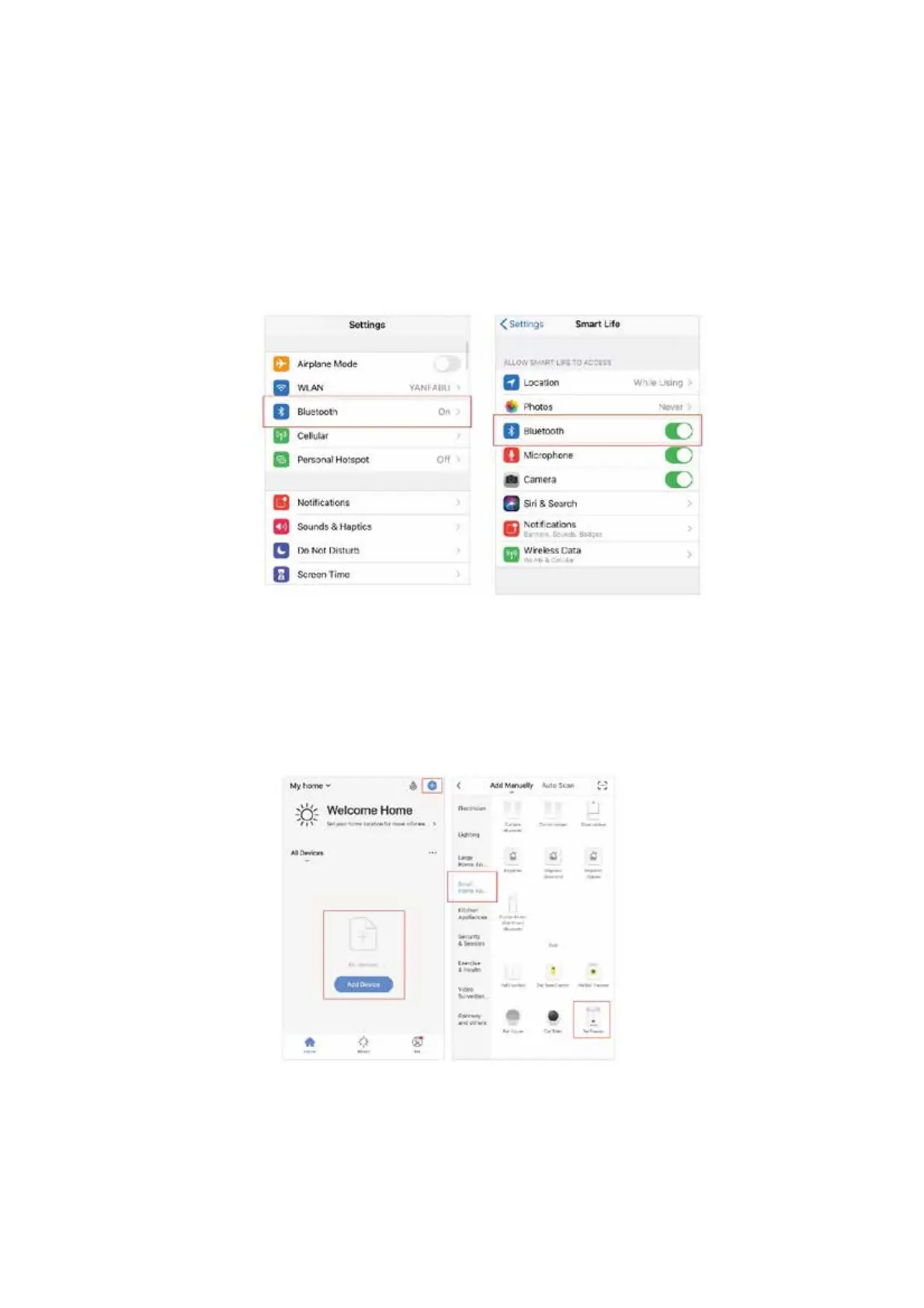
BLUETOOTH CONNECTION:
1. Ensure the feeder is powered on and the feeders LED Power Light is green.
2. Press and hold the feeding button for 5 seconds and wait for the WIFI indicator (red light)
to flash rapidly (2 flashes per second).
3. Turn on your smart devices Bluetooth and allow the App to access the permissions.
4. Open the App, click on the “+ “in the top right corner to add the device on the homepage,
enter the distribution network page.



 To Next Page