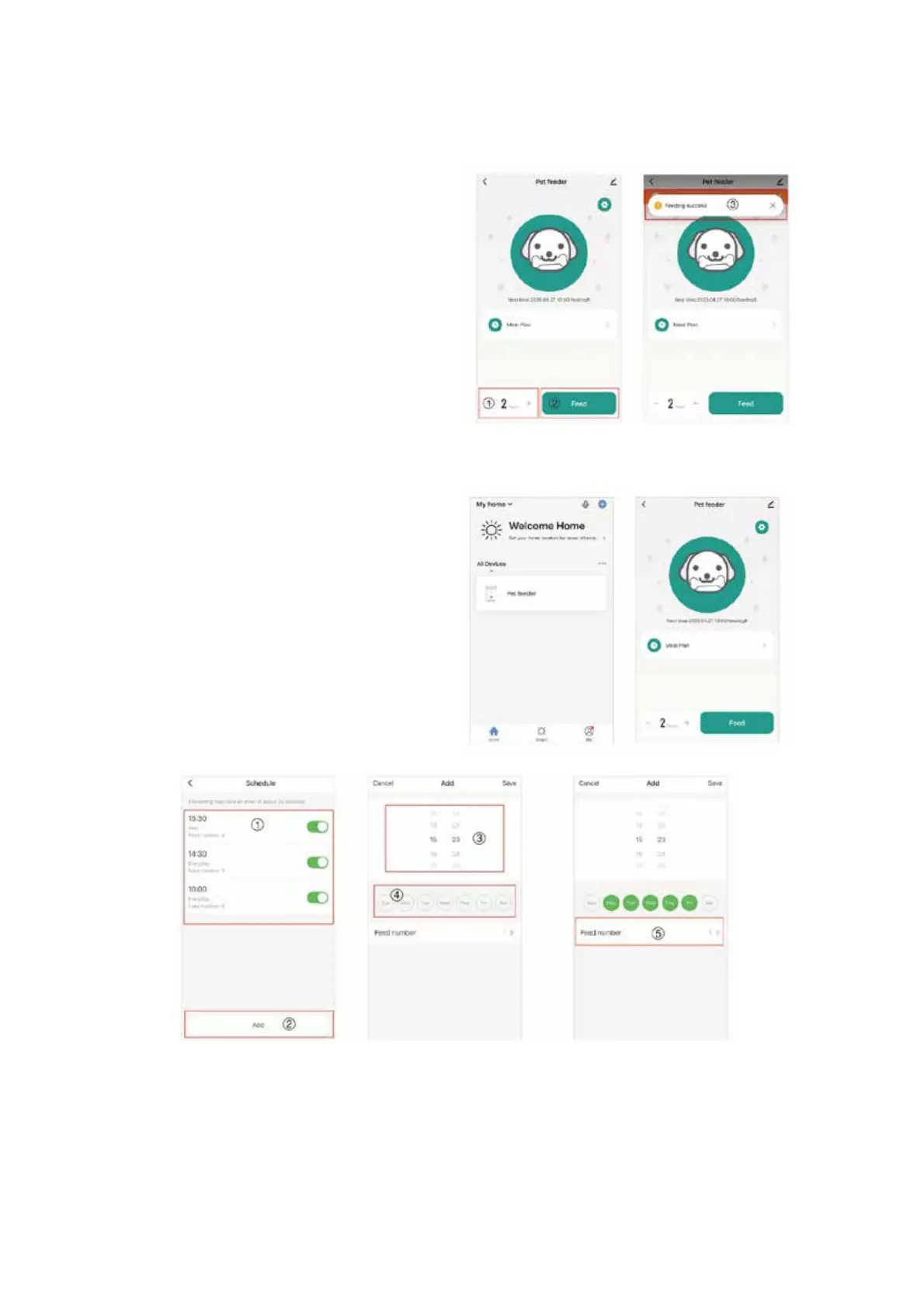
“SMART LIFE” APP OPERATION INTERFACE:
1. Once the Pet Feeder is added
successfully, you can see the newly
added device on the homepage.
2. Click to enter the operation of feeding
and feeding plan for the Pet Feeder.
1. Set the number of servings with
one click.
2. Click “Feed” to feed.
3. Prompt box for feeding success
message.
1. Feeding plan list.
2. Click “Add” to add a feeding plan.
3. Set a feeding time.
4. Set feeding interval.
5. Set number of servings per feeding.



 To Next Page