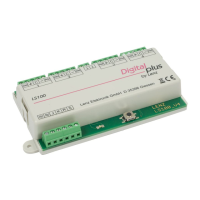
18 Accessory Decoder LS 100/110
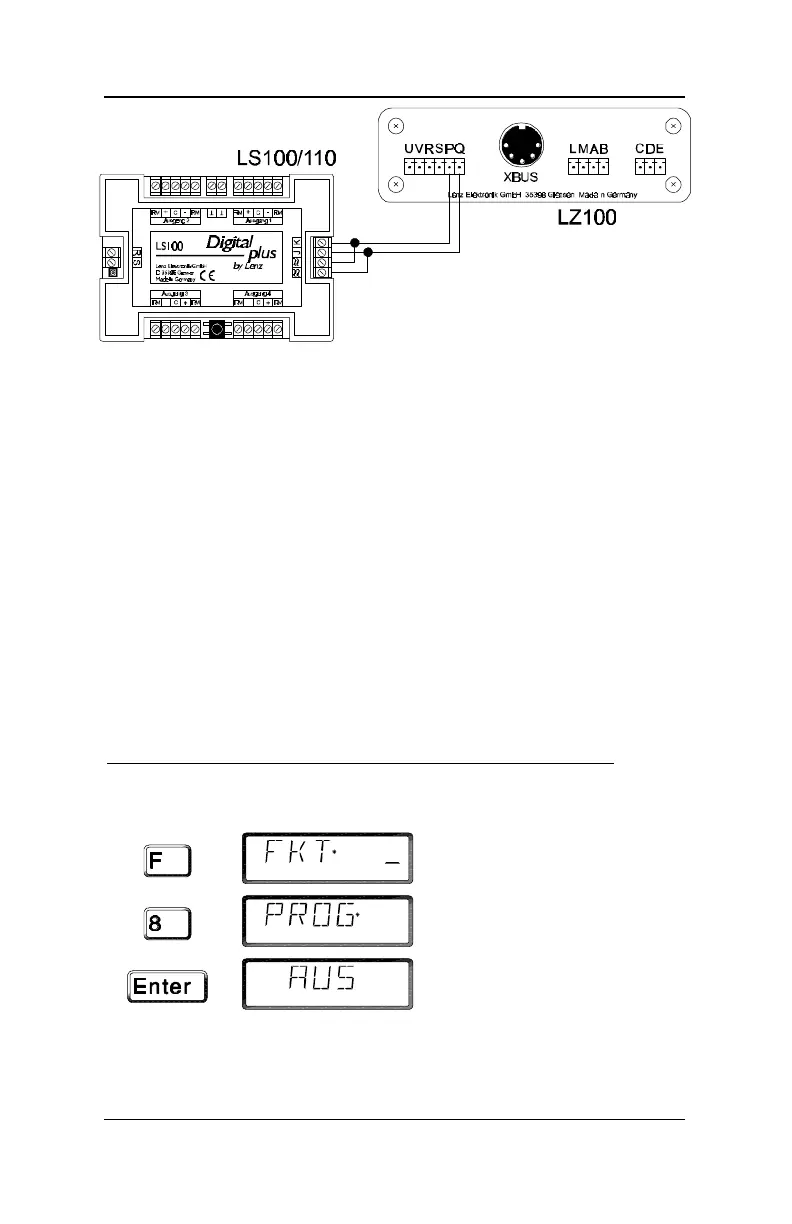
Illustration 7: Connecting LS100/LS110 to the
programming output of LZ100
To program address and settings you need your command
station LZ100, hand held controller LH100 and a transformer
with 16V AC output to supply power for LZ100. The
LS100/LS110 is programmed using the programming output of
command station LZ100. (Note any other system capable of
Direct CV mode or Register mode programming can also
sucessfuly program an LS100/LS110.)
To do this, connect terminals J and K, as well as the terminals
for the AC supply (•) of the LS100/LS110 to the programming
output (terminals P and Q) of the LZ100 command station.
Enter programming mode, as described in the manual for the
LH100.
Programming using LH100 with software version 2.1
Please proceed as follows:
Key
(flashes)
Confirm again with the ‘Enter’ key.


 To Next Page