9
Batch Mode
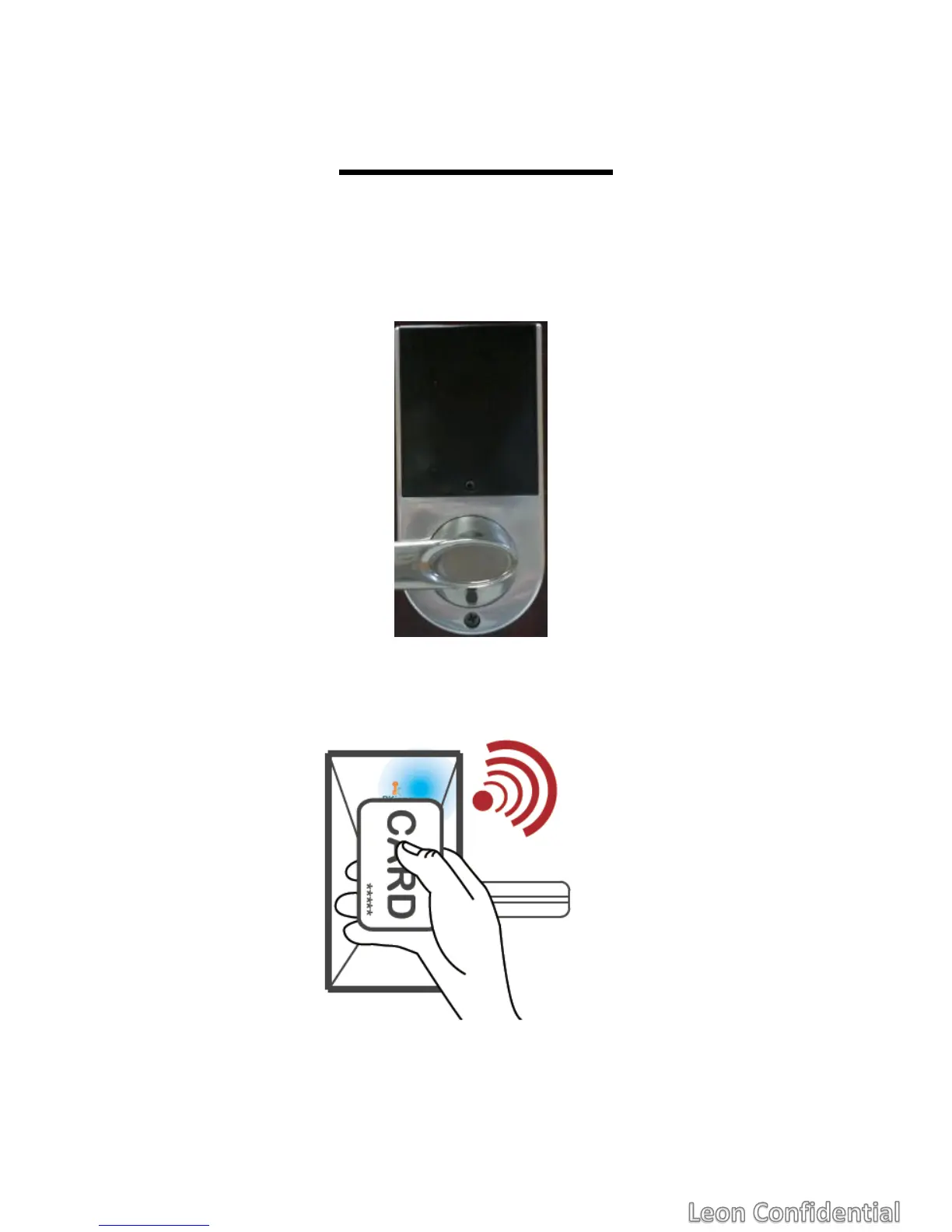
For a use-case that only cards are used and no one uses NFC smartphone,
the lock provides a method to add/delete cards.
1. Click the Setup button on the inner side of the lock.
2. Before time-out, use a card to tap the lock. The card will become a
Client of this lock. All the original clients will be deleted. And the
original Administrator will be deleted, either.
3. Upon finish, click the Setup button again to finish the process. Or
time-out will terminate the process, too. If there are multiple cards you
want to add, tap them one by one continuously.



 To Next Page