- 16 -
7.2 Message Notification
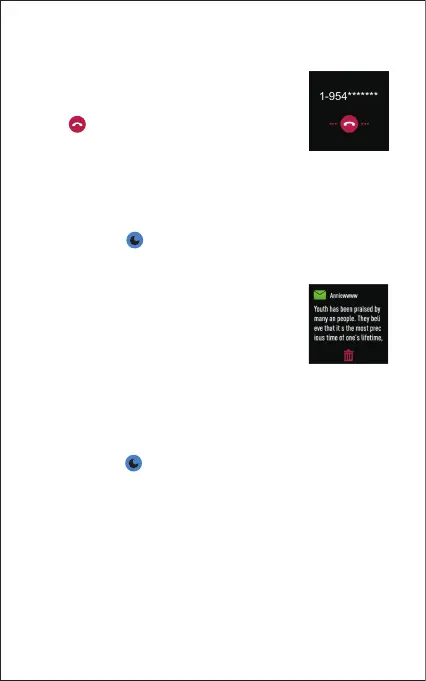
When messages (like short messages, Facebook,
Twitter, and Instagram messages) come in, the
watch vibrates to alert you, and the screen
displays the message content.
Notes:
● Only when "Notification alerts" is enabled in the app ("Settings"
page → "ID205L" → "Notification alerts", turn on "Notification
alerts"), will messages be notified.
● When the "Do not disturb" function is enabled on the watch
(Status bar → ), messages will not be notified on the watch
during the do-not-disturb period.
7. More Functions
7.1 Call Notification
When there is an incoming call, the watch vibrates
to alert you, and the screen displays the caller ID.
Tap " " on the watch screen to reject the call.
Notes:
● Only when "Notification alerts" is enabled in the app ("Settings"
page → "ID205L" →"Notification alerts", turn on "Notification
alerts"), will calls be notified.
● When the "Do not disturb" function is enabled on the watch
(Status bar → ), calls will not be notified on the watch
during the do-not-disturb period.
7.3 Sedentary Reminder
The watch vibrates to remind you to get up and move around
when you have been sitting too long ("Activity" page → "Active
Hours" → "Sedentary Alert Settings", enable the movement
reminders function and set the remind period.)



 To Next Page