-11 -
Getting to Know Your Watch
Basic Operation
Watch Interfaces
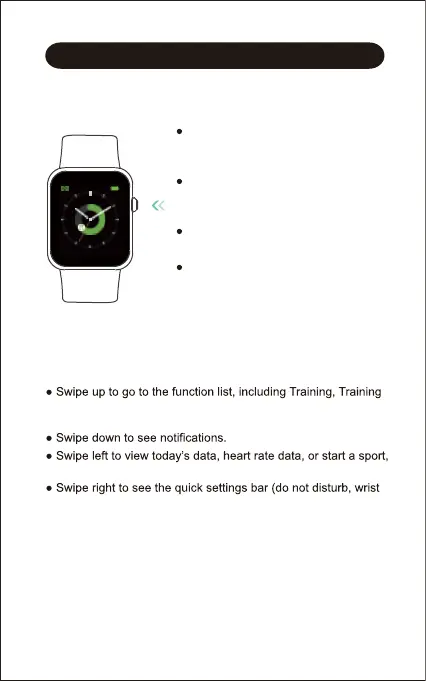
This is a touch screen; swipe the screen to go to different
interfaces, and tap to enter the function.
The home screen is the clock. On the clock:
record, Heart rate, Blood Oxygen, Today, Sleep, Breath, Alarm,
Stopwatch, Timer, Music control, and Settings.
control music.
sense, brightness, settings).
Turn on / off the watch:
Press and hold the function button for 3
seconds.
Wake a dimmed screen:
Press the function button or turn your
wrist towards you.
Return to the home screen:
Press the function button.
Return to the previous interface:
Swipe the screen to the right.
FRI 10



 To Next Page