- 17 -
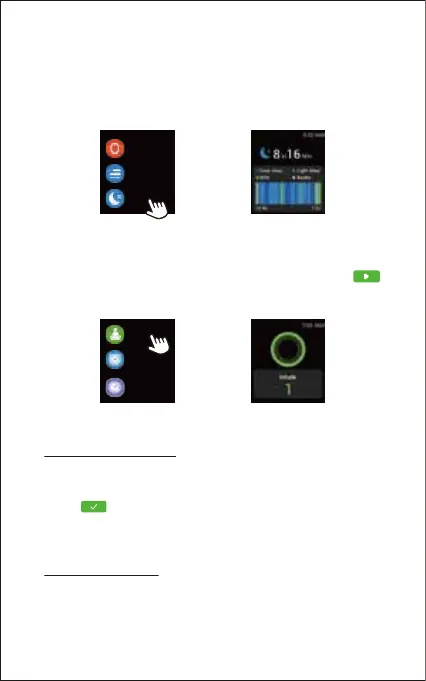
5. Tracking Sleep
The watch automatically tracks your sleep duration and
consistency with a comprehensive analysis of sleep quality
data. Tap "Sleep" in the function list so you can check your
sleep records and improve your routine.
7. Setting Alarms
Method 1 (On the watch):
1) Tap "Alarm" in the function list.
2) Tap "+" to add an alarm. Set the alarm time, and repeat time.
3) Tap to save your setting
6. Breathing Guide
Tap "Breath" in the function list to enter breathing mode. Select
the speed and duration of the breathing training. Then tap
to start and follow the instructions to breathe. If you want to end
the breathing training, press the function button to exit.
Note:
You can set up to ten alarms on the watch.
Sleep
Today
2
Blood oxygen
Breath
Alarm
Stopwatch
Method 2 (In the app):
1) Go to the "Settings" page in the Letsfit app and tap "IW2".
2) Tap "Sleep Alarm" to enter the alarm setting interface.
3) Tap "Add" to add an alarm.



 To Next Page