Letus35 Elite User Guide
8
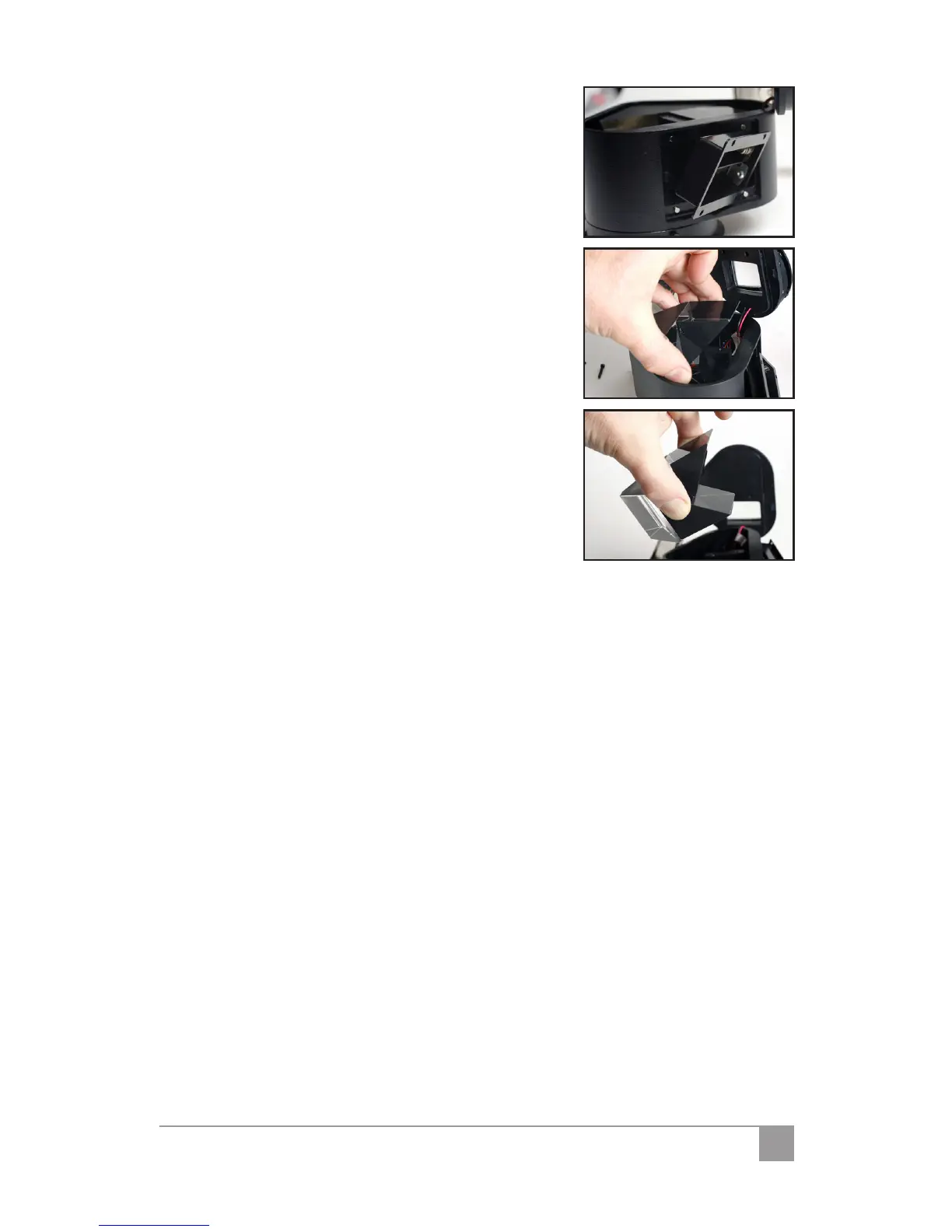
Take the battery compartment o and 10.
gently pull it out. Remember, the wires are
still attached to the battery compartment.
Lift the prism up by using the index nger 11.
and the thumb.
Clean the prism with lens cleaning solu-12.
tion and put it back.
Put the rubber wedge back.13.
Put the enclosure cap back and use the 2 14.
allen screws to secure it in place. Do not
over tighten them.
Put the front tube back on.15.



 To Next Page