Letus35 Elite User Guide
6
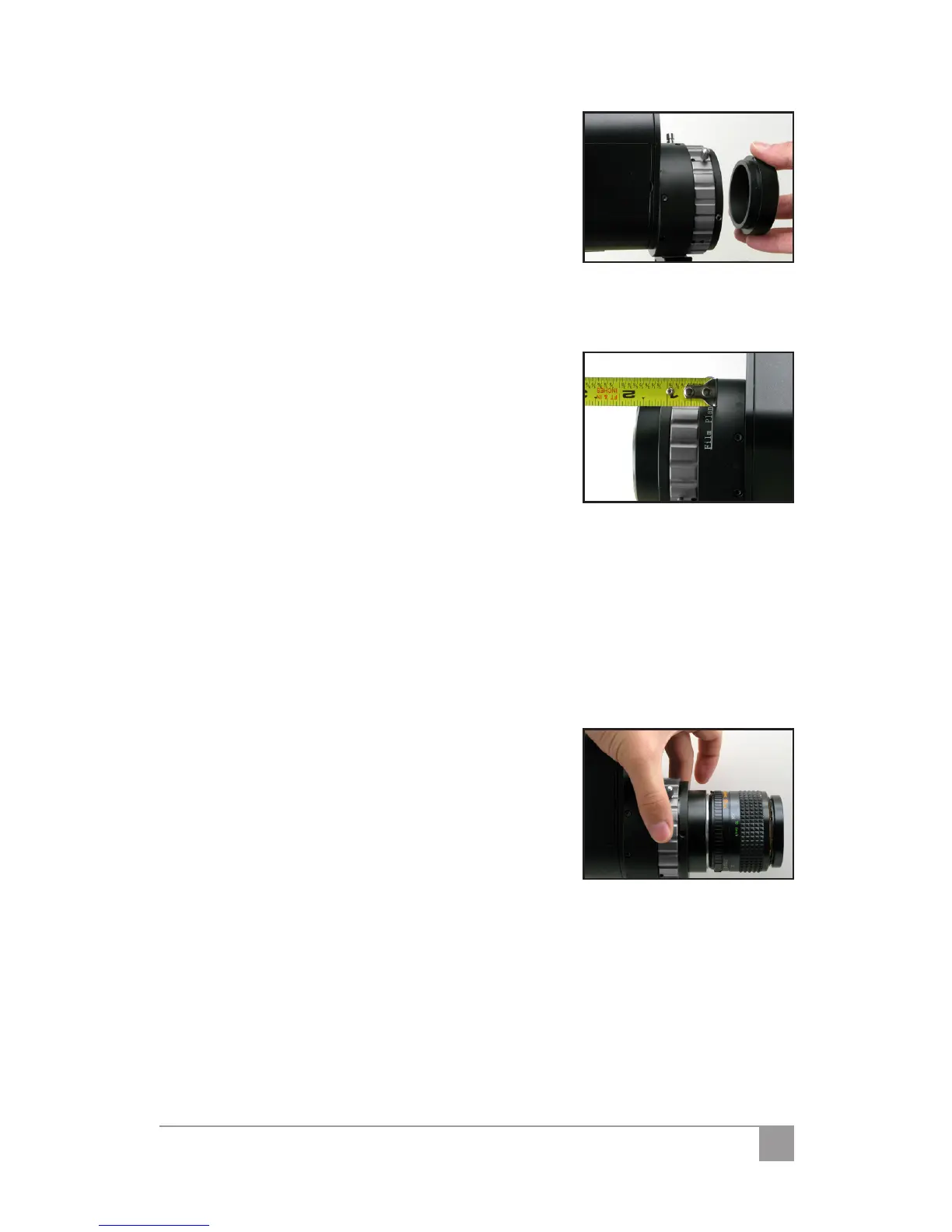
your package, loosen the three (3) screws
located at the very front of your Letus35
Elite 35mm DOF Adapter.
Remove the current lens mount.2.
Insert the optional lens mount into the 3.
front tube of the unit. Make sure to seat
the mount ush against the tube.
Tighten the three (3) set screws to rmly 4.
lock the Lens Mount in place.
Measuring Focus: IV.
The Film Plane for the Letus35 Elite 35mm DOF
Adapter is marked by a line and a tape hook.
Attach your tape measure to this hook for taking
focus measurements.
Adjusting Back Focus: V.
Once you have achieved the focus of the ground glass, attach the lens 1.
mount to the front of your Letus35 Elite, tighten the three screws, and
attach your SLR/cinema lens.
Dial the lens to ∞ (innity)2.
Point the camera with the Letus35 Elite attached to some objects very 3.
far away. If those objects are not in focus loosen the 2 little thumb-
screws on the back focus ring and dial the ring until you get the innity
focus.
Dial the focus of your lens to some short 4.
distance (that has the marked number on
the focus ring, e.g. 3ft or 1.5m, etc). Hook
a tape measure to the Letus35 Elite at the
lm plane hook and set something to that
distance that you set the lens to.
If you also achieve focus on this object, 5.
your SLR back focus is good. If not, repeat
steps 3 and 4 until you do get both focus. If you cannot achieve it,
your lens’ barrel marking maybe o and may need to be serviced.



 To Next Page