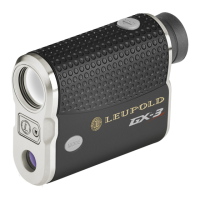
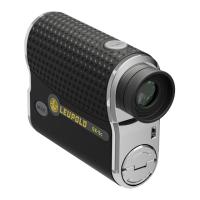
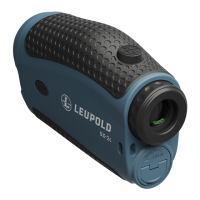
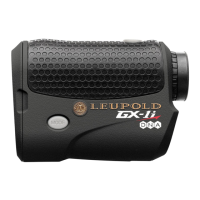
25
FUNCTION 7: CLUB SELECTOR SETUP (SU)
(GX-4
i
3
WITH SMART KEY INSTALLED ONLY)
NOTE:
You cannot input a distance value less than or equal to the previous club. For
example, if you choose 155 yards for your 8-iron, the lowest available distance for
your 6-iron will be 160 yards.
1) Press POWER to activate the rangefinder.
2) Press and hold MODE for at least 1 second and then release to
enter the Quick Set Menu.
3) Press and release MODE until 8 Iron is displayed.
4) The 8-iron indicator will be shown in the upper
display, and the last saved distance will be
shown in the lower display. If you wish to input
a distance other than the one shown, proceed
to step 5. To save the shown distance for your
8-iron, press MODE and skip to step 6 below.
5) Press POWER to set the distance obtained with your 8-iron. Each
depression of POWER will increase the distance associated with
your 8-iron shot in 5-yard/meter increments beginning with the


 To Next Page
 Loading...