3
3. Rack Mount Installation
Hardware Installation
The Media Converter Chassis is suitable for use in an office environment where it can
be rack-mounted in standard EIA 19-inch racks or standalone.
3.1. Desktop Application
1. Set The Media Converter Chassis on a sufficiently large flat space with a power
outlet nearby.
2. Connect the power cord. The power supply is self-adjusting for AC input power
between 100 and 265 Volts.
Note
Air vents must not be blocked and must have free access to the room ambient air for
cooling.
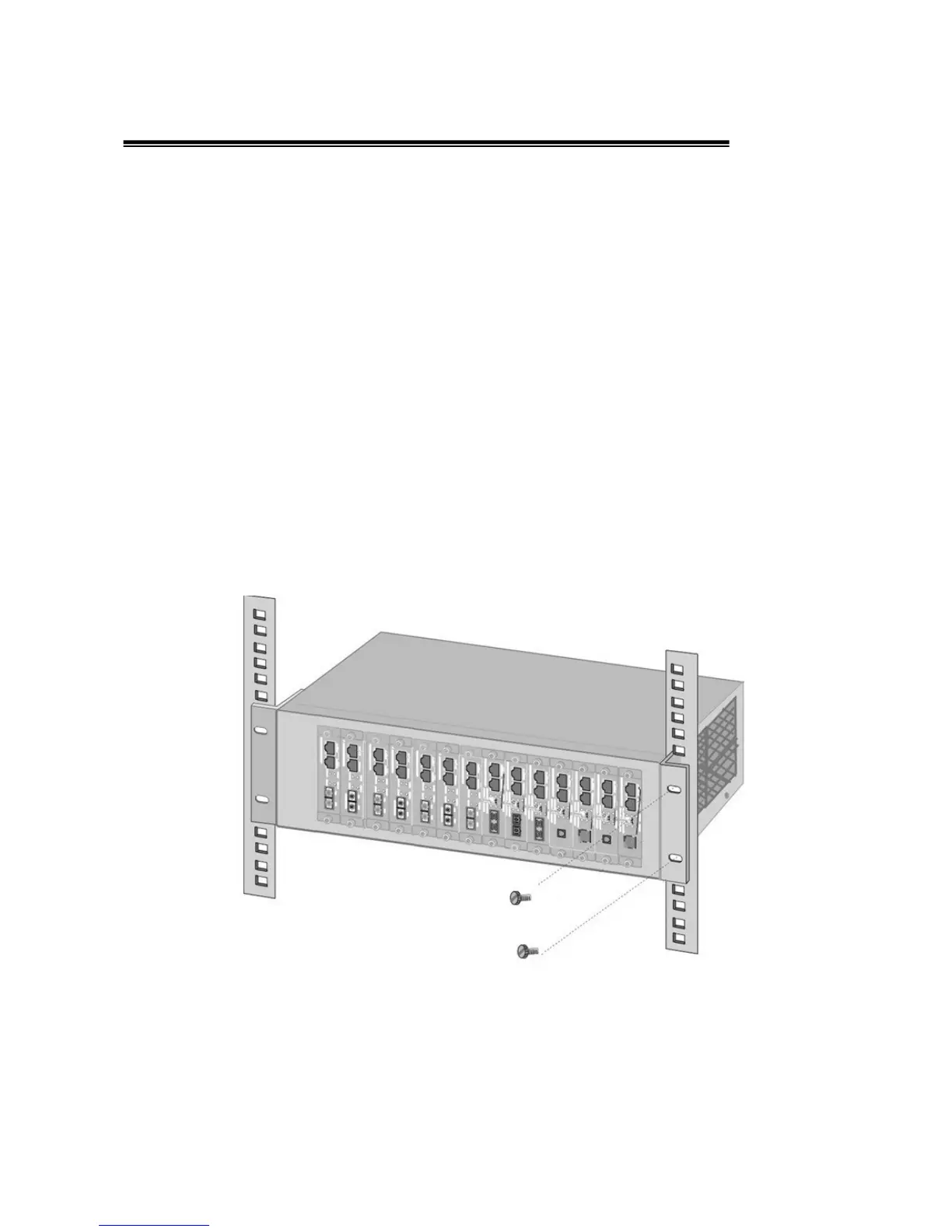
3.2. Rack Mounting
Mount the device in the rack, using four rack-mounting screws (not provided).
Rack Mounting the Chassis
Note
For proper ventilation, allow about 6 inches of clearance on all sides of the Chassis.
This is especially important for enclosed rack installations.



 To Next Page