8
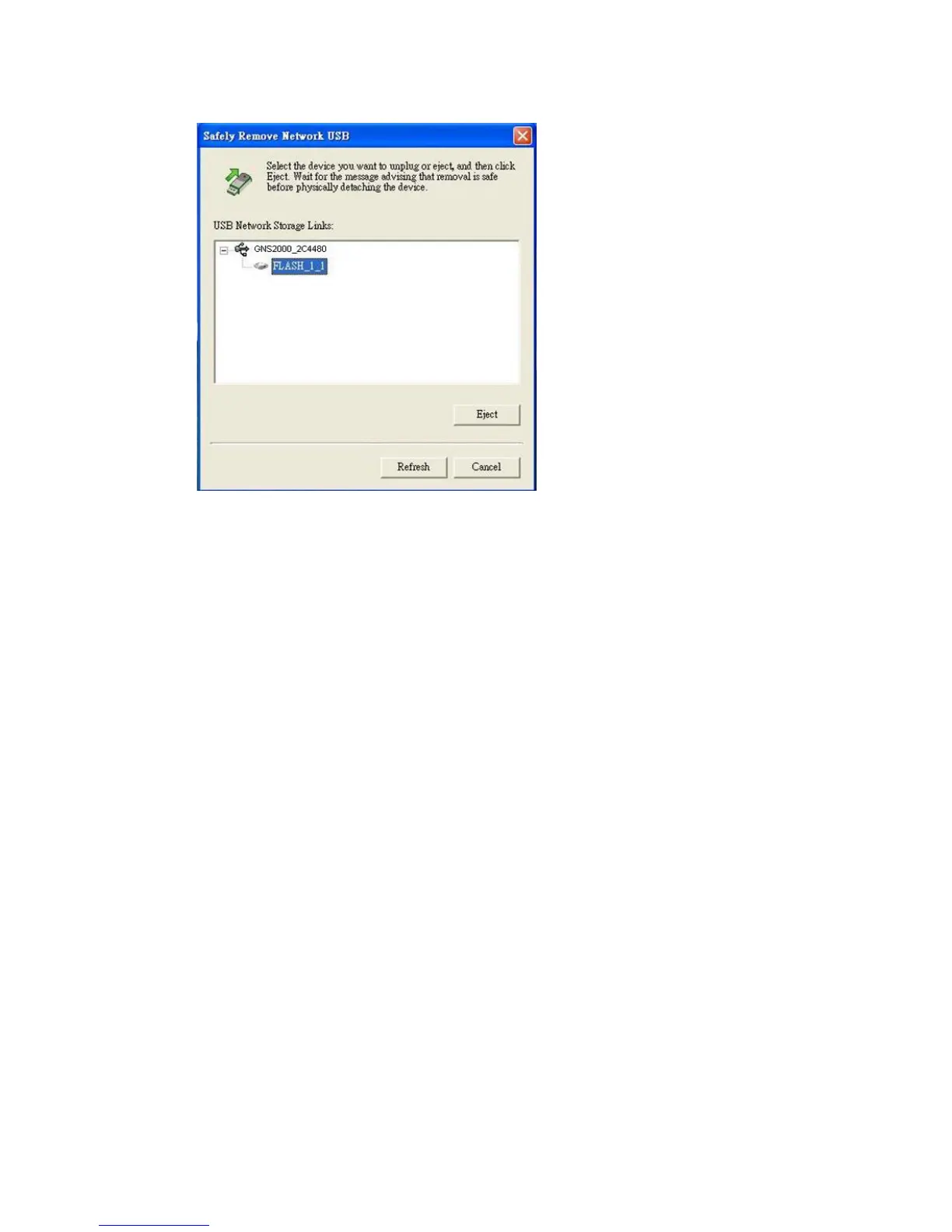
3. Wait for the message telling you it is safe to remove the
USB device.
Note: If the USB device is not removed, it will not be re-
connected. You must remove and re-insert the USB device to
have it re-connected.
Configuration
This procedure only needs to be done ONCE, by the NAS
Administrator.
Other LAN users should follow the advice given in the
following section.



 To Next Page