4
Panel Description
HVE-9000 HDSpider™ HDMI Cat.5 Receiver (Long)
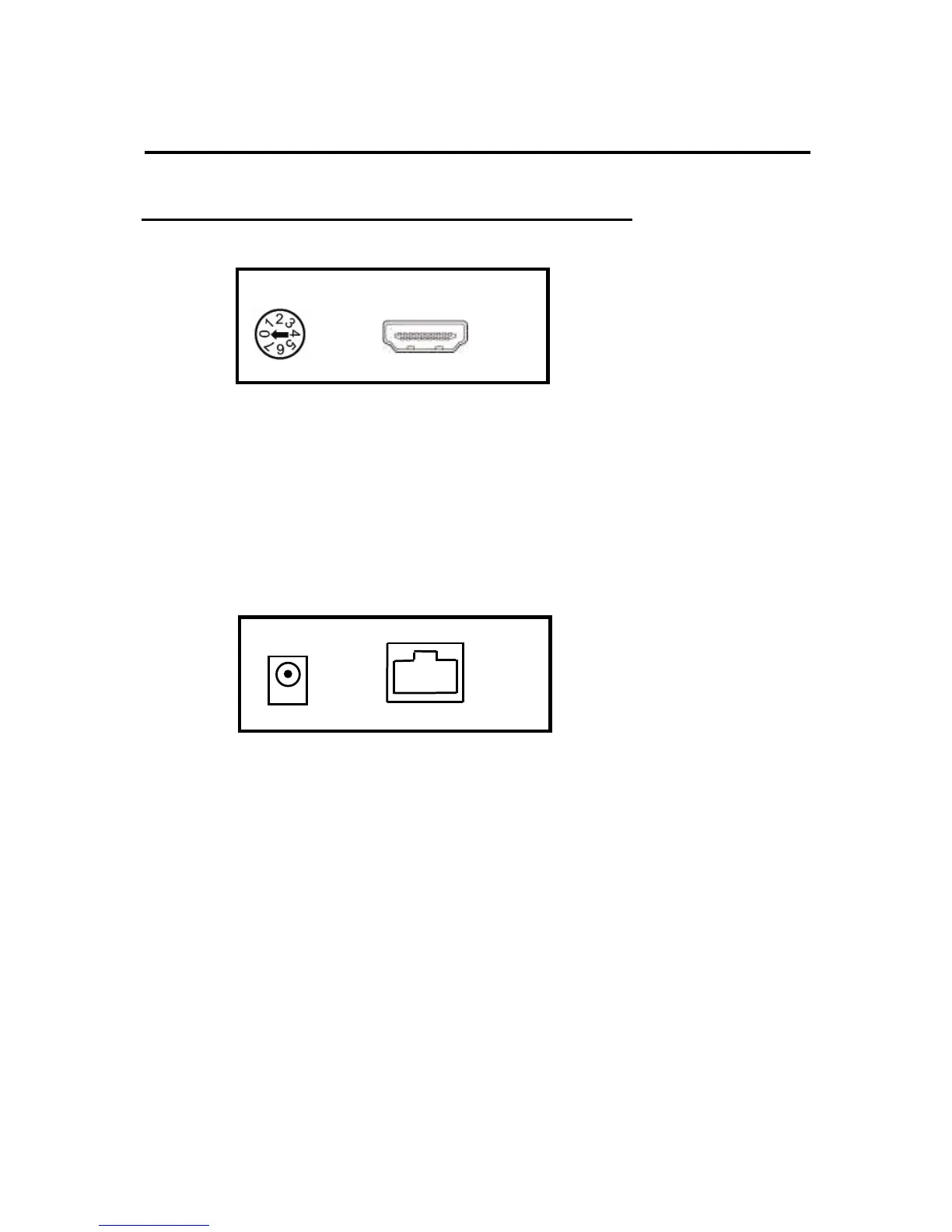
Front View
HDMI OUT: Connect to a HDMI display with a HDMI M-M cable here.
EQ: Adjust the 8-level equalization control knob to the received HDMI signals. 0 - 7
= strongest – weakest. It is recommended to adjust from 7 to 0 to find the
optimal visual experience.
Rear View
RJ45-IN: Plug in a Cat. 5e/6 cable that needs to be linked to the RJ-45 connector
of the HVE-9000.
+5V DC: Connect to 5V 2A DC power supply.
HDMI-OUT



 To Next Page