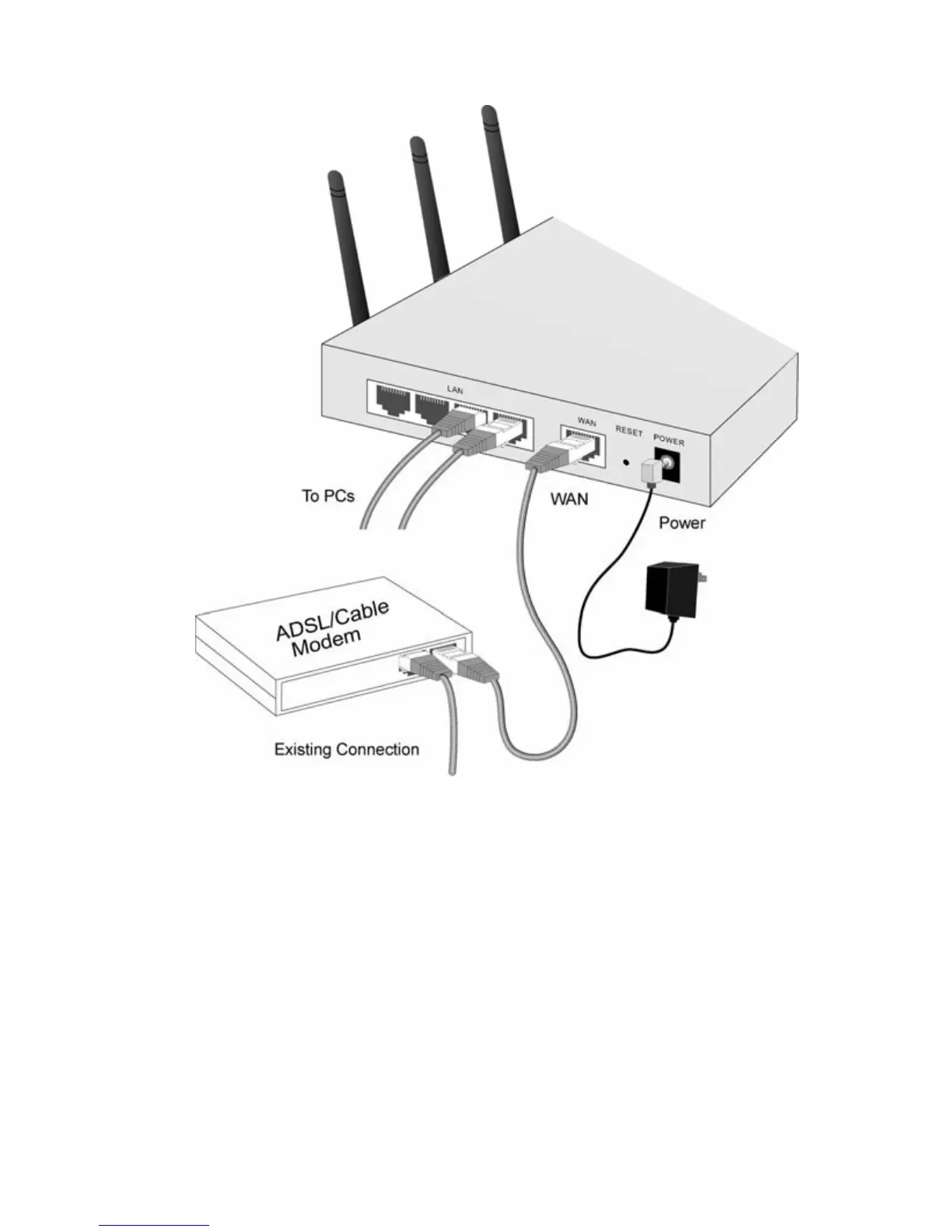
2. Use standard LAN cables to connect PCs to the
Switching Hub ports on the Wireless Router. Both
10BaseT and 100BaseT connections can be used
simultaneously.
3. Connect your DSL/Cable Modem to the WAN port
on the Wireless Router. Use the cable supplied with
your DSL/Cable modem, or a standard network ca-
ble.
4. Connect the supplied PWR Adapter and PWR on.
5. Check the LEDs
• The PWR, WAN, and LAN LEDs should be ON.















 To Next Page