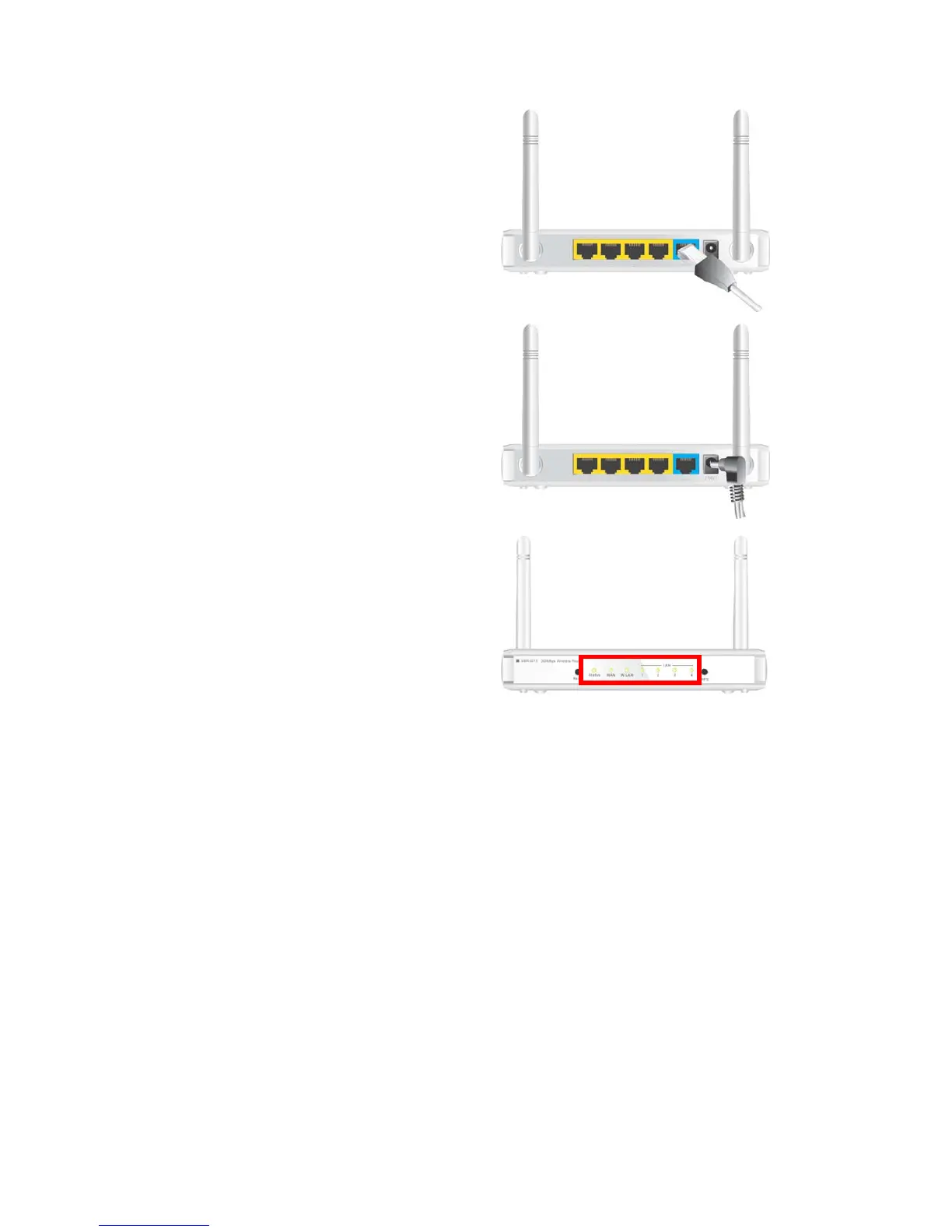
Step 2 Insert the Ethernet patch cable into
Wired WAN port:
Insert the Ethernet patch cable form DSL
Modem into Wired WAN port on the back panel
of Router.
Step 3. Power on Router:
Connect the power adapter to the receptor on
the back panel of your Router.
Step 4. Complete the setup.
When complete, the Status LED will flash.













 To Next Page