6
Wireless USB Adapter Installation
The following instructions will guide you to through the process of installing the Wireless USB
Adapter.
Windows XP / Vista / 7 Setup
Note: Screen captures shown in this guide are from Windows XP. Unless mentioned, there are no
differences in Vista.
1. Insert the CD into the CD-ROM drive on your PC.
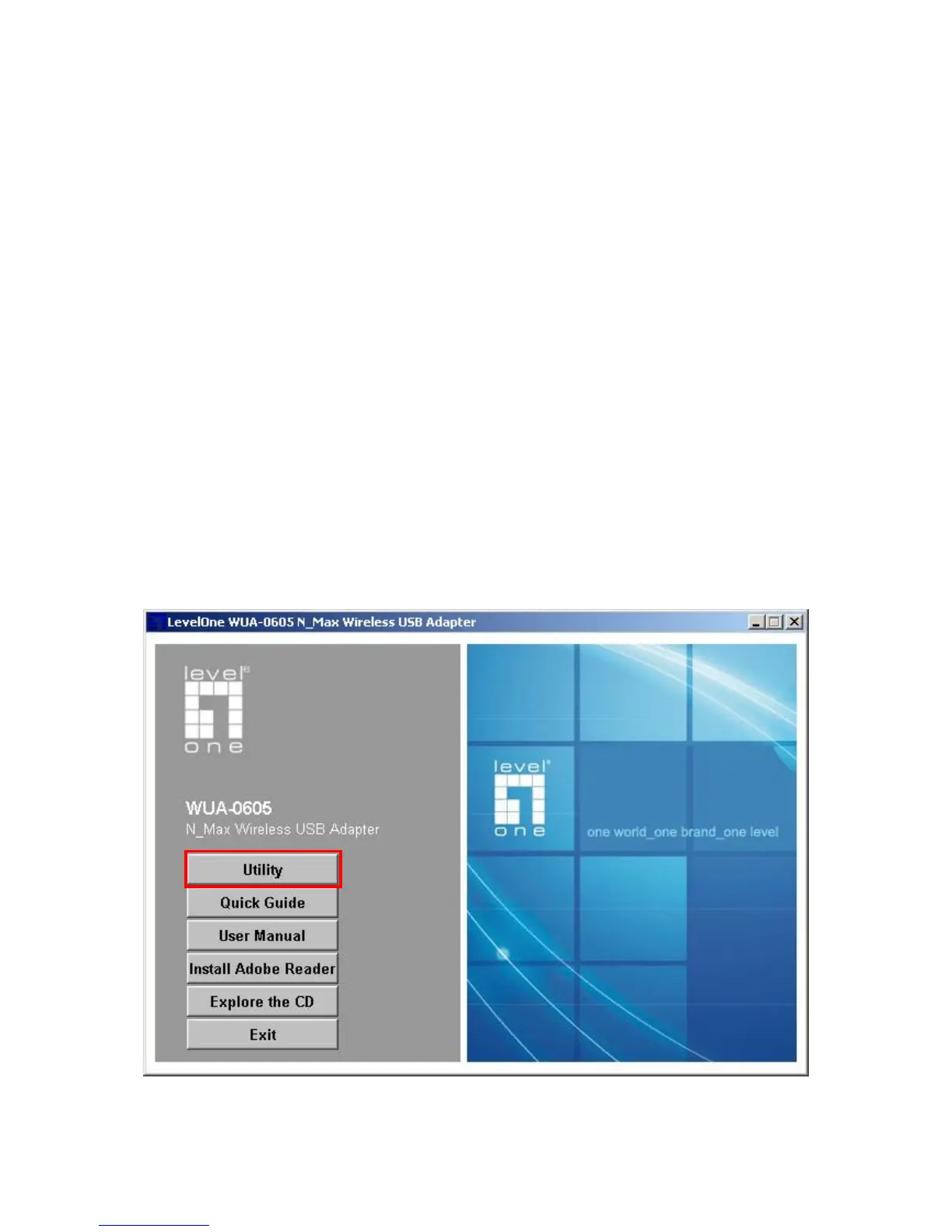
2. The autorun program should start automatically.
If it does not, please run autorun.exe under your CD-ROM drive
3. In the autorun screen, click Utility to begin the software installation.















 To Next Page