EasyManua.ls Logo

LEVER SRL EC1000 Series - User Manual

LEVER SRL EC1000 Series
63 pages
Print Icon
To Next Page IconTo Next Page
Loading...
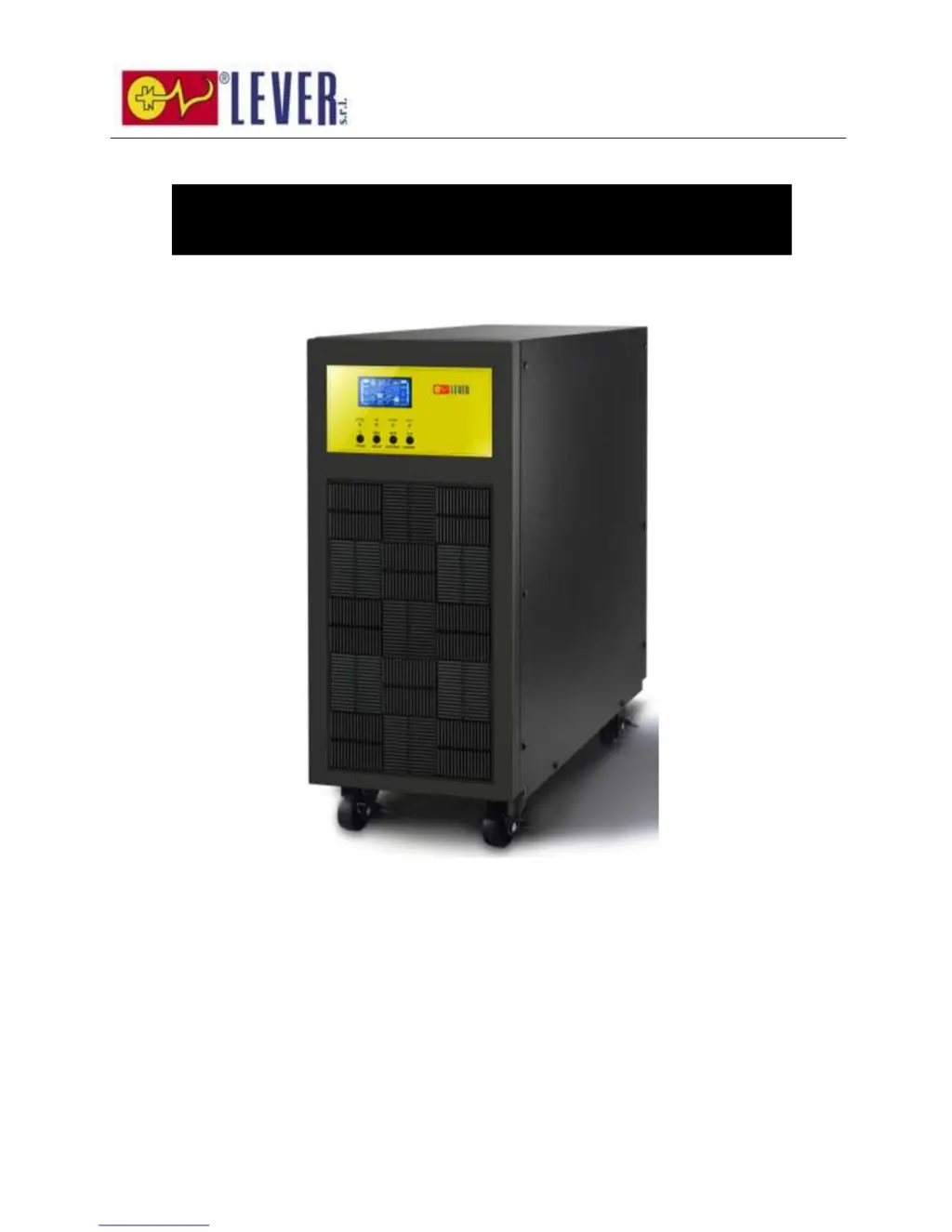
EC1000 Series
6K/10K Online UPS
Uninterruptible Power Supply System
User Manual

Questions and Answers

  • A
    Angela ClineAug 1, 2025
    What to do if my LEVER SRL UPS is overloaded and beeping?
    • A
      Amber ClarkAug 1, 2025
      If the LEVER SRL UPS is overloaded, remove some of the connected devices from the UPS output. If the devices are being fed directly by the electrical network via the Bypass, this also indicates an overload, so remove excess loads. If the UPS is locked in Bypass mode after repetitive overloads, remove excess loads, then shut down and restart the UPS.
  • D
    daniel86Aug 5, 2025
    What to do if LEVER SRL UPS shows fault code 43?
    • A
      Amanda SmithAug 5, 2025
      If fault code 43 appears on the LCD display of your LEVER SRL UPS, accompanied by a continuous alarm and the icon lighting up, it means the UPS has been overloaded for too long and has shut down automatically. To resolve this, remove excess loads from the UPS output and then restart it.
  • R
    Rebekah HudsonAug 11, 2025
    What to do if LEVER SRL UPS shows fault code 14?
    • S
      schwartzannaAug 11, 2025
      If fault code 14 appears on the LCD display of your LEVER SRL UPS, accompanied by a continuous alarm and the icon lighting up, it means a short circuit has occurred on the UPS output, causing it to shut down automatically. Check the output wiring and the connected devices for any short circuit conditions.
  • J
    Jeffrey FuentesAug 16, 2025
    Why is the battery backup time shorter than nominal value on my LEVER SRL UPS?
    • H
      Hunter CruzAug 16, 2025
      If the LEVER SRL UPS battery backup time is shorter than expected, it might be because the batteries are not fully charged. Charge them for at least 7 hours and then check their capacity. If the issue continues, contact your dealer.
  • A
    Adrian GonzalezAug 21, 2025
    How to fix no display on LEVER SRL UPS?
    • D
      Danielle ShawAug 21, 2025
      If the front display panel of your LEVER SRL UPS shows no indication and alarm, even though the mains is normal, the AC input power may not be connected properly. Check if the input cable is firmly connected to the mains.
  • C
    Craig HaysAug 26, 2025
    What to do if LEVER SRL UPS shows fault code 1, 2, 3, 4, 11, 12, 13, 14,1A, 21, 24, 35, 36, 41, 42 or 43?
    • Z
      zcurtisAug 26, 2025
      If fault code 1, 2, 3, 4, 11, 12, 13, 14, 1A, 21, 24, 35, 36, 41, 42 or 43 is shown on the LCD display of your LEVER SRL UPS and the alarm beeps continuously, it indicates an internal fault has occurred. Contact your dealer.

Summary

Safety and EMC Instructions

Transportation, Storage, and Preparation

Guidelines for safely transporting, storing, and preparing the UPS system before installation, covering environmental and acclimatization needs.

Installation and Operation Safety Precautions

Critical safety instructions for UPS installation and operation, including overload prevention, proper wiring, and earth conductor safety.

Compliance Standards

Lists safety and EMI standards the UPS complies with, including IEC/EN standards for various safety and emission parameters.

Installation Procedures

Unpacking, Inspection, and Panel Overview

Instructions for unpacking, inspecting the UPS, and identifying components on the rear panel.

Single and Parallel UPS Installation

Step-by-step guides for installing single UPS units and multiple units in parallel, including wiring specifications.

UPS Operations and Controls

Control Panel, Buttons, and LCD Interface

Explanation of control panel buttons, LED indicators, and LCD display functions for UPS operation and monitoring.

Operating Modes and Status Display

Explanation of different UPS operating modes (AC, ECO, CVCF, Battery, Bypass) displayed on the LCD panel.

LCD Settings, Abbreviations, and Fault Codes

Guide to LCD configuration settings, abbreviations, and identification of fault codes for troubleshooting.

Single and Parallel Operation Guides

Detailed procedures for operating single UPS units and managing parallel UPS systems, including alarms and shutdown.

Troubleshooting Common Issues

Storage and Maintenance

UPS Storage Guidelines

Guidelines for storing the UPS, including charging requirements before storage and recommended recharging frequency.

Maintenance Safety and Procedures

Safety precautions and general guidelines for performing maintenance on the UPS, emphasizing hazardous voltages and qualified personnel.

LEVER SRL EC1000 Series Specifications

General IconGeneral
BrandLEVER SRL
ModelEC1000 Series
CategoryUPS
LanguageEnglish