3 INSTALLATION INSTRUCTIONS
10
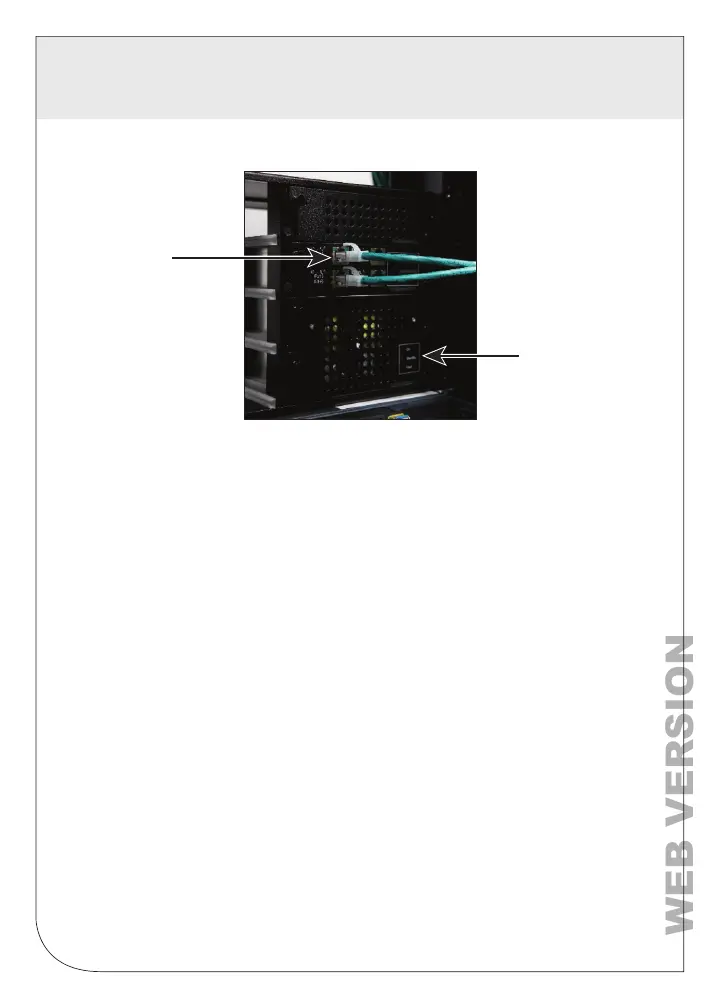
3.4.8 Ensure that all the Power Supply “ON” indicators are illuminated.
3.4.9 Ensure the Remote “Pwr” Indicator is illuminated.
3.4.10 Blue “FL” LED’s on the slide-in Media Module indicate that the fiber
port is linked between the two locations.
Equipment Connections
(e.g. Ethernet switch, server, NVR)
Power Supply
Slide-in
Media Module


 To Next Page