3 INSTALLATION INSTRUCTIONS
6
3.1.3 Use pulling eye to pull cable from the remote location enclosure through
the conduit to the closet.
a. The use of a preinstalled pulling rope will facilitate this step.
b. Bend limiting devices (pulleys) must be used in areas where there may be a
sharp bend.
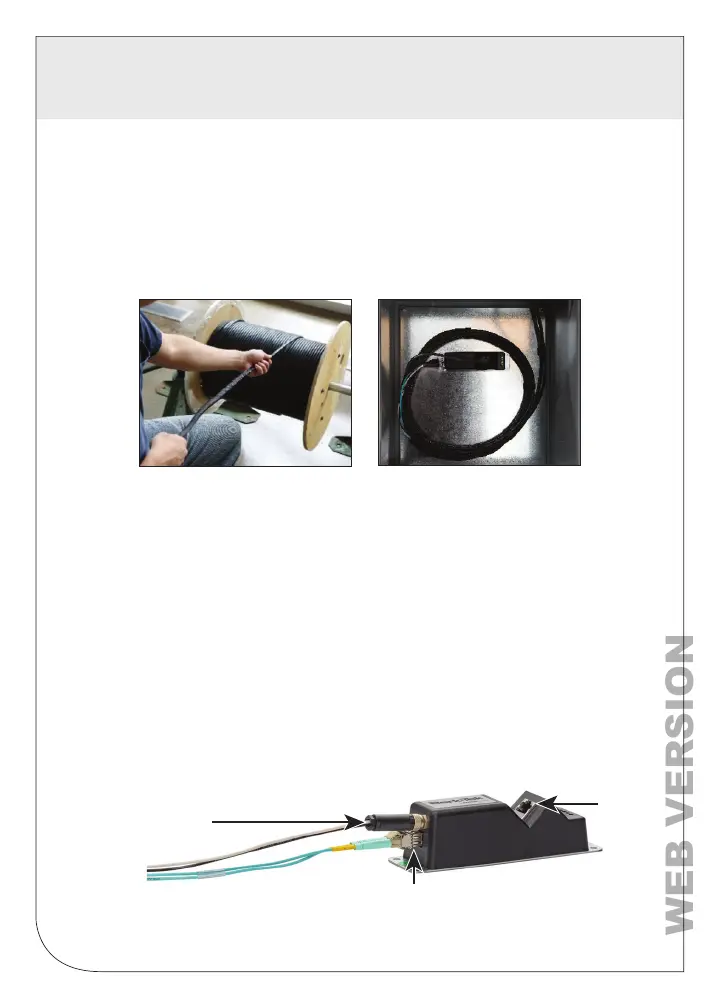
3.1.4 Gently remove the pre-terminated cable end from the reel and its
protective sock.
Pulling Eye
3.2 Remote Location Installation of the 1-Port, 2-Port, or 4-Port Remote
3.2.1 An appropriately rated NEMA 3 or better enclosure is required in any
location where the remote may come into contact with rain, other liquids,
or be subjected to condensation. Leave about 1 meter (3 ft.) of the pre-
terminated end of the cable inside the NEMA box and pull the opposite
end through to the closet. The cable should be routed in a circle around
inside edge of box, while maintaining the minimum bend radius.
3.2.2 Mount the remote towards the top of the back plate of the enclosure with
four appropriate #8 screws. Unless the remote is to be fastened directly
to grounded metal, place a ground lug under one of the 4 mounting
screws and route to appropriate grounding point via minimum #12
bonding conductor (See section 3.5).
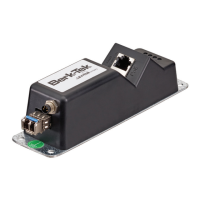
1-Port Remote
Pull grip with Pulling Eye Loop
on end (first to come off)
Device
Connection
(RJ45)
Duplex LC Pre-terminated
Connection Cable End
M8 Power Connection
(2-wire)


 To Next Page