5. Turn the power OFF
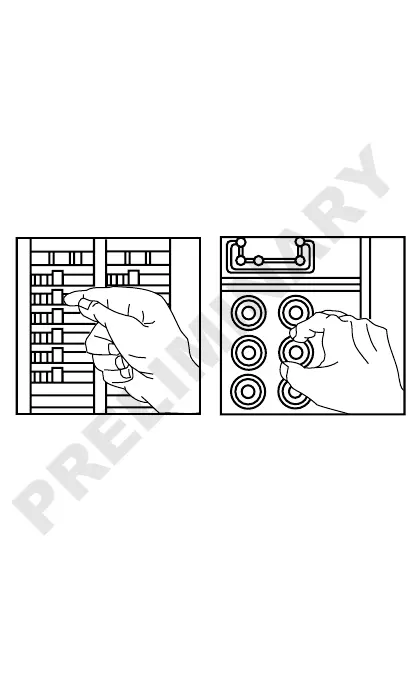
Plug an electrical device, such as a lamp or
radio, into the receptacle on which you are
working. Turn the lamp or radio ON. Then, go
to the service panel. Find the breaker or fuse
that protects that receptacle. Place the breaker
in the OFF position or completely remove the
fuse. The lamp or radio must turn OFF.
Next, plug in and turn ON the lamp or radio at
the receptacle's other outlet to make sure the
power is OFF at both outlets. If the power is not
OFF, stop work and call an electrician to
complete the installation.


 To Next Page