Congratulations on purchasing your new lighting effect
from Lexlighting. Reading through this manual will ensure
trouble free and long life operation of the unit.
Features:
- 294 High Brightness LED’s
- Red, Green, Blue and White
- Sound To Light (Inbuilt Microphone)
- Master/Slave Mode/Auto
- Full DMX 512 (9 Channels)
- 7 Lenses for Room Filling Coverage
Contents:
- Light Unit Lex7 Star
- IEC Power Cable with UK Plug
- User Manual
Auto Play Mode
Auto Play mode is where the light will go through its inbuilt programs
one by one, regardless of any sound input. There are various pat-
terns and speeds you can choose. Please Observe below.
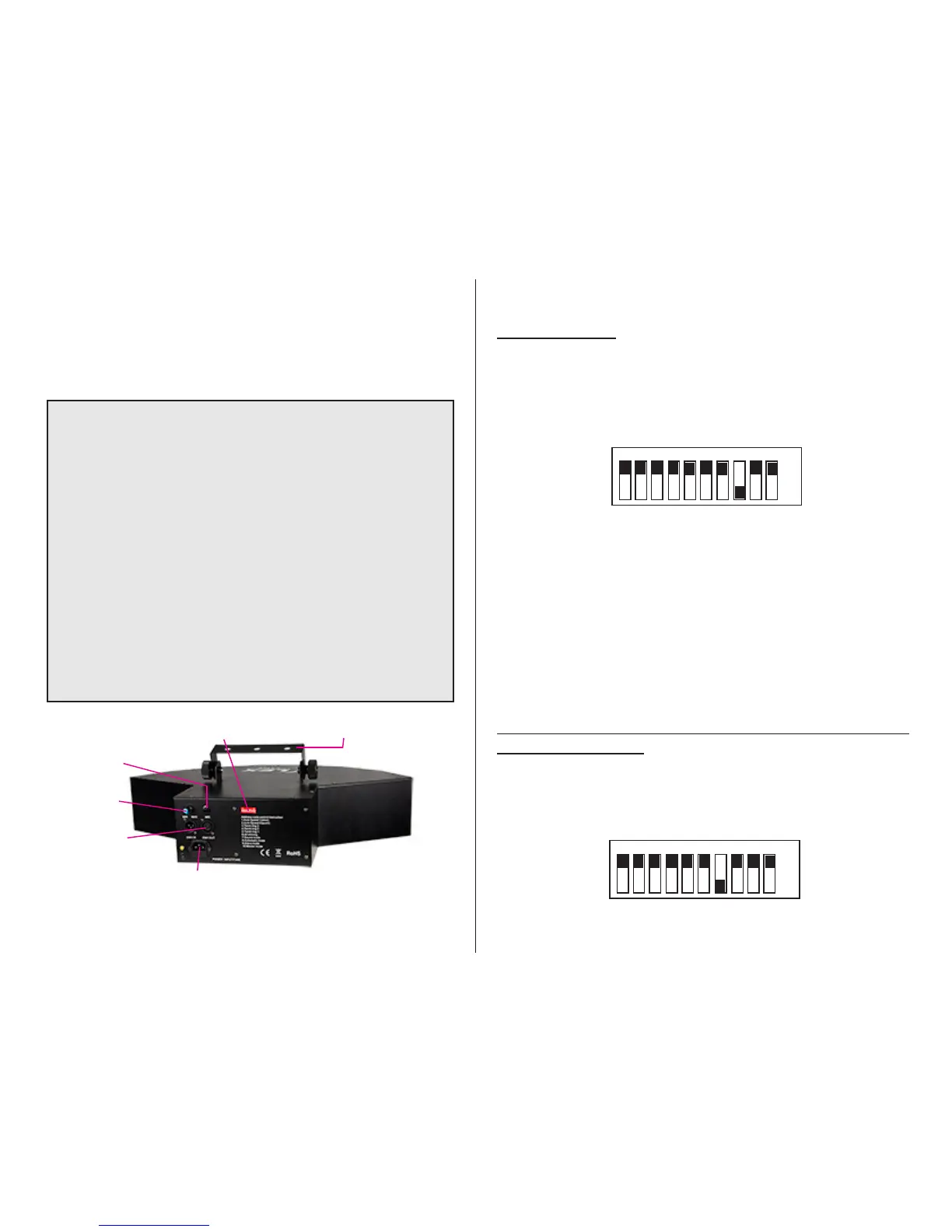
To put your xture into Auto-Play Mode, please select:
Dip Switch 8 to the ON Position
1 2 3 4 5
6
7
8 9 10
on
o
There are various Auto Modes. See List below located on the back
of your 7 Star. These range from Strobe modes, to all twinkling to all
LED’s on.
Hanging Bracket
Dip Swtiches
Sound
Sensitivity
Microphone
DMX
In and Out
XLR
IEC Power
Socket & Fuse
Sound Active Mode
Sound to Light is achieved by the unit picking up sound using it’s
internal built in microphone. The unit will step through each pattern/
sequence when sound is input. To put your xture into Sound Active
mode, dip swtich 7 to the ON position. Please adjust the sound sen-
sitivity dial to the desired level.
1 2 3 4 5
6
7
8 9 10
on
o



 To Next Page
 Loading...