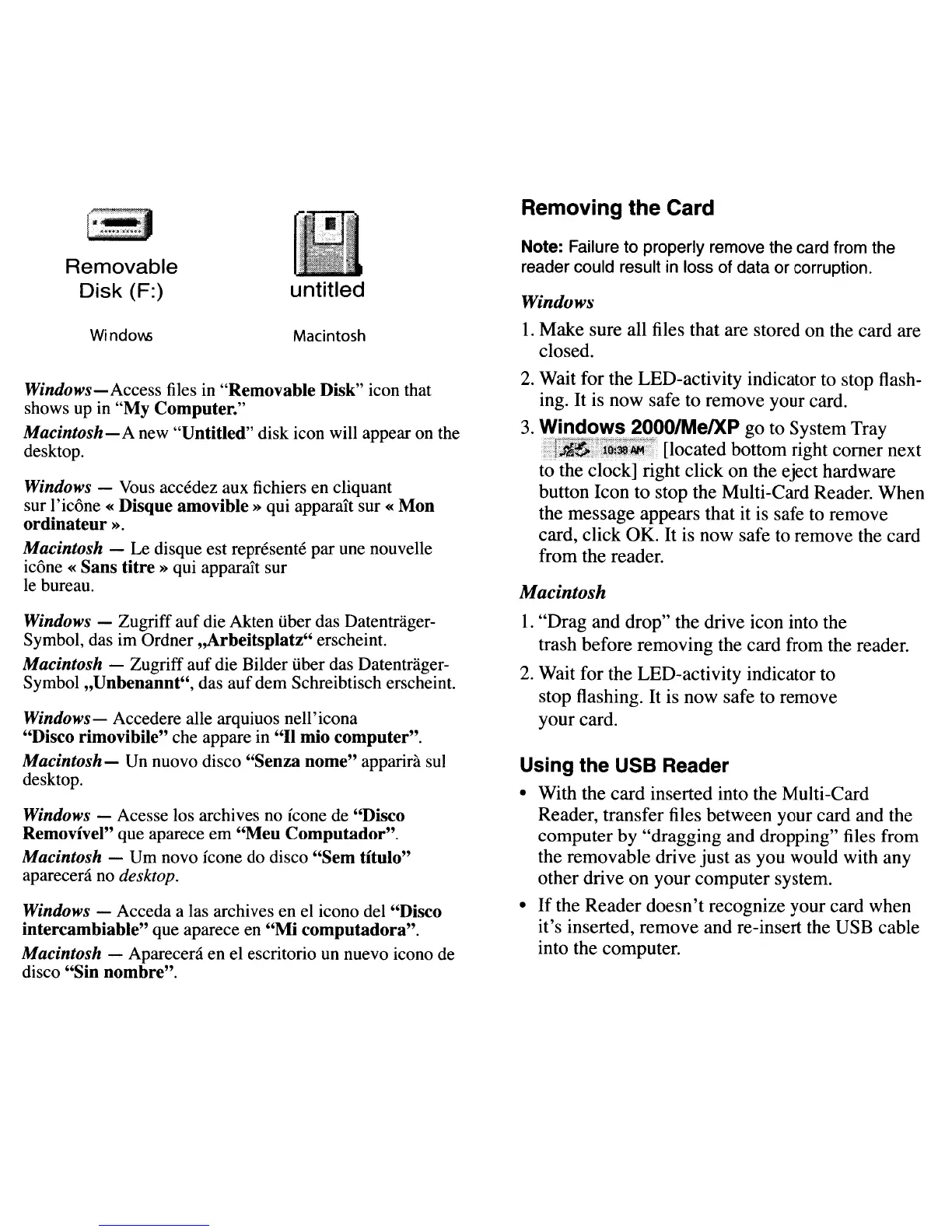
Windows-Access
files
in
"Removable Disk" icon that
shows
up
in "My Computer."
Macintosh-A
new "Untitled" disk icon will appear
on
the
desktop.
Windows -
Vous
accedez aux fichiers en cliquant
sur l'icone «Disque amovible» qui
apparaJ:t
sur«
Mon
ordinateur
».
Macintosh -
Le
disque est represente par
une
nouvelle
icone « Sans
titre»
qui apparait sur
Ie
bureau.
Removing the Card
Note: Failure to properly remove the card from the
reader could result
in
loss of data or corruption.
Windows
1.
Make
sure all files that are stored
on
the card are
closed.
2.
Wait for the LED-activity indicator to stop flash-
ing.
It
is now safe to remove your card.
3.
'!ii~~2~!7~2fOO/MeIXP
go
to System Tray
:.~;~!'!J,~~q
[located bottom right
comer
next
to the clock] right click
on
the eject hardware
button Icon to stop the Multi-Card Reader. When
the message appears that it is safe to remove
card, click
OK.
It
is now safe to remove the card
from the reader.
Macintosh
1.
"Drag and drop" the drive icon into the
trash before removing the card from the reader.
2.
Wait for the LED-activity indicator to
stop flashing.
It
is now safe to remove
your card.
Using the USB Reader
• With the
card
inserted into the Multi-Card
Reader, transfer files between your card and the
computer by "dragging and dropping" files from
the removable drive
just
as you would with any
other drive
on
your computer system.
•
If
the Reader
doesn't
recognize your card when
it's inserted, remove and re-insert the USB cable
into the computer.
Macintosh
untitled
Window;
Removable
Disk
(F:)
Windows - Zugriff auf die Akten tiber das Datentrager-
Symbol, das im Ordner "Arbeitsplatz" erscheint.
Macintosh - Zugriff auf die Bilder tiber das Datentrager-
Symbol "Unbenannt", das auf dem Schreibtisch erscheint.
Windows-
Accedere alle arquiuos nell'icona
"Disco rimovibile" che appare in "II mio computer".
Macintosh-
Un
nuovo disco "Senza nome" apparira sui
desktop.
Windows - Acesse los archives
no
leone
de
"Disco
Removivel" que aparece em
"Meu
Computador".
Macintosh -
Urn
novo leone do disco "Sem titulo"
aparecenl
no
desktop.
Windows - Acceda a las archives en
el
icono del "Disco
intercambiable" que aparece en
"Mi
computadora".
Macintosh - Apareceni en el escritorio
un
nuevo icono
de
disco "Sin nombre".



 To Next Page