EasyManua.ls Logo

LEXIBOOK DVDP6FZ - User Manual

LEXIBOOK DVDP6FZ
102 pages
Go to English
Print Icon
To Next Page IconTo Next Page
Loading...
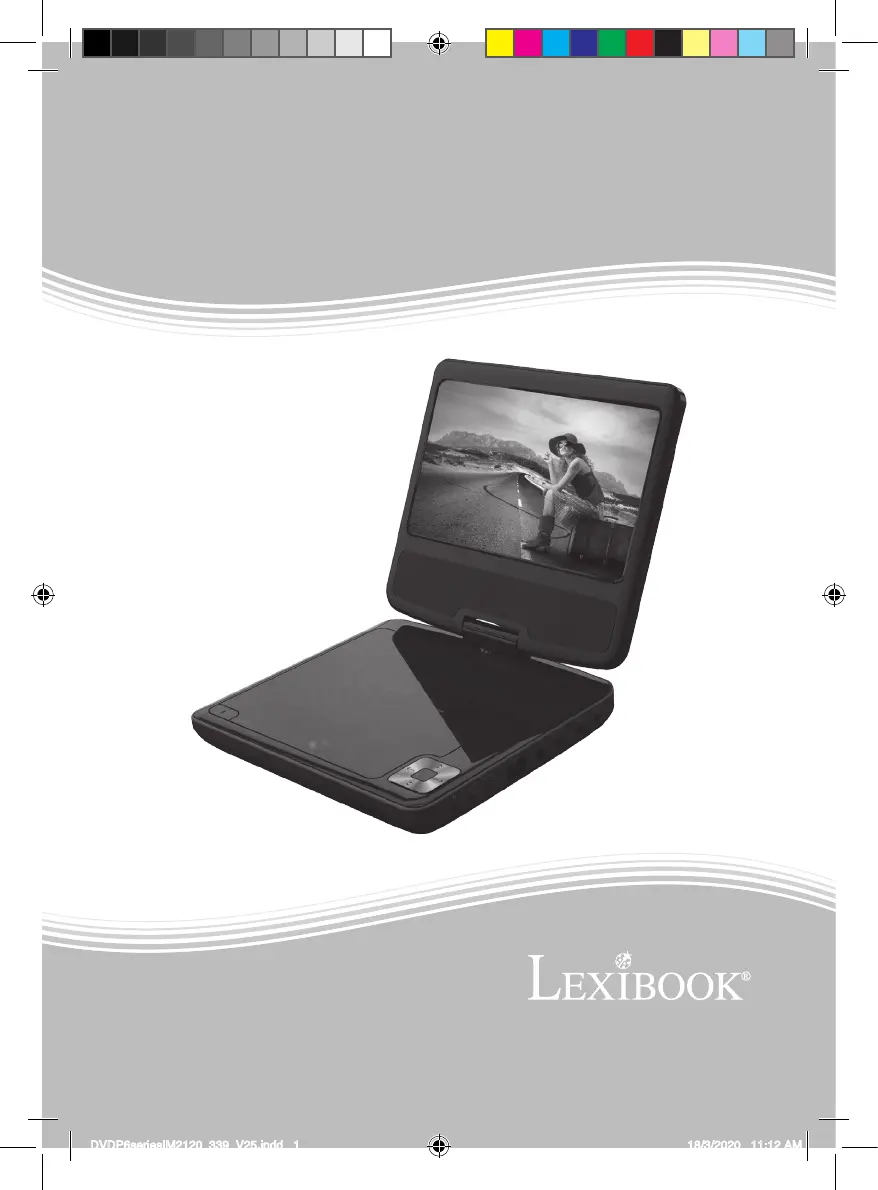
DVDP6series
Portable DVD Player
Mode d’emploi
Instruction manual
Booklet size: 130(W)x185(H)mm
DVDP6seriesIM2120_339_V25.indd 1 18/3/2020 11:12 AM

Table of Contents

Questions and Answers

  • L
    Laurie GutierrezJul 29, 2025
    What to do if LEXIBOOK DVDP6FZ Portable DVD Player does not turn on?
    • A
      Anthony StoneJul 29, 2025
      If your LEXIBOOK Portable DVD Player doesn't turn on, try these steps: * First, check the power connection to ensure it's properly connected. * If the power connection is okay, the battery may be empty. Recharge the battery and try again.
  • A
    Andrew WalkerAug 3, 2025
    Why LEXIBOOK Portable DVD Player remote control is not working?
    • A
      Andrew GloverAug 3, 2025
      If the remote control of your LEXIBOOK Portable DVD Player isn't working properly, try the following: 1. Ensure there are no obstacles blocking the path between the remote control and the player's remote sensor. 2. Make sure you are aiming the remote control directly at the remote sensor on the front panel of the player. 3. Check the remote control's battery and replace it if necessary. 4. Ensure you are using the remote control within three metres of the remote sensor.
  • J
    Jackson MooreAug 7, 2025
    What to do if LEXIBOOK Portable DVD Player has no sound?
    • T
      Tommy AndersonAug 7, 2025
      If there is no sound from your LEXIBOOK Portable DVD Player, consider the following: * If the player is connected to other devices such as a TV or audio amplifier, verify the connections are secure. * Ensure that the connected devices are functioning correctly. * Check the unit’s volume to ensure it is not muted or set too low.
  • J
    Janet HillAug 12, 2025
    What to do if LEXIBOOK Portable DVD Player keys don’t operate properly?
    • M
      Melanie OneillAug 12, 2025
      If the keys on your LEXIBOOK Portable DVD Player are not operating correctly, it might be due to power surges or other electrical issues. To resolve this, shut down the player, wait 10 seconds, and then restart the unit.
  • H
    hfieldsAug 17, 2025
    What to do if LEXIBOOK DVDP6FZ doesn't play the inserted disc?
    • J
      Jason WashingtonAug 17, 2025
      If your LEXIBOOK Portable DVD Player isn't playing the inserted disc, make sure the disc is properly inserted and clean the disc.
  • L
    Lauren JensenAug 22, 2025
    How to fix low quality picture on LEXIBOOK DVDP6FZ Portable DVD Player?
    • M
      Michael MillerAug 22, 2025
      To improve a low-quality picture on your LEXIBOOK Portable DVD Player, check the disc for dirt and scratches. Additionally, try shutting down the player, waiting 10 seconds, and then restarting the unit.

Summary

Safety Instructions

Electrical Shock and Voltage Warnings

Explanation of safety symbols for electrical shock and dangerous voltage.

Fire and Moisture Prevention

Guidelines to reduce the risk of fire or electric shock by preventing exposure to moisture.

Laser Safety

Information regarding Class 1 Laser Product and potential exposure risks.

Important Safety Instructions

General Usage and Cleaning Precautions

Instructions on water usage, cleaning, heat sources, ventilation, and liquid spills.

Electrical and Servicing Guidelines

Precautions regarding plugs, power cords, and servicing by qualified personnel.

Specific Component Safety

Guidance on DC car adaptor fuses and proper battery disposal.

Installation

Unpacking Contents

List of items included in the package and packaging material disposal.

Player Component Identification

Labelled diagram identifying the parts of the portable DVD player.

Remote Control Unit

Battery Replacement

Instructions for opening the battery compartment and replacing the remote control battery.

Built-in Battery and Charging

Battery Safety Warnings

Important warnings regarding battery handling, replacement, and disposal.

Remote Operation Tips

Guidance on effective remote control distance and potential interference.

Charging Procedure and Times

Steps to charge the built-in battery and estimated charging/playback times.

Connections and Disc Compatibility

Power and Headphone Connections

Instructions for connecting the power adapter and headphones.

Supported Disc Types

Table listing compatible disc formats like DVD, CD, CD-R, DVD-R.

Region Management and Key Functions

Region Code Information

Details on the DVD player's region number and disc compatibility.

Basic Playback Controls

Instructions for essential functions like Play/Stop, Volume, Pause, Scan, and Mute.

Advanced Playback Functions

DVD Menu Navigation

How to access and navigate the DVD main menu, title menu, and program play.

Playback Customization

Features for changing subtitle, audio, searching, display, zoom, angle, and step playback.

Setup Menu Options

General Setup Settings

Configuration options for TV display, angle mark, OSD language, captions, screen saver, auto standby.

Audio and Video Setup

Settings for audio output modes (Dolby Digital, Downmix) and video quality.

Preference Setup Options

Settings for TV type, audio language, subtitles, disc menus, parental controls, and defaults.

Password and Media Playback

Password Setup Page

Instructions for setting and confirming a password for parental controls.

Picture CD Playback

Guide to loading, browsing, and viewing photos from a Picture CD.

USB Media Playback

Steps for connecting USB devices and selecting audio, JPEG, or video files.

Specifications

General and System Specifications

Details on power source, consumption, battery, dimensions, weight, laser, and signal system.

Output and Adaptor Specifications

Information on video/audio output and AC/DC adaptor specifications.

Troubleshooting

Power and Display Issues

Solutions for problems like the player not turning on or no picture on screen.

Audio and Disc Playback Problems

Troubleshooting steps for no sound or failure to play inserted discs.

Control and Performance Issues

Solutions for remote control malfunctions, player key issues, and low picture quality.

Maintenance, Warranty, and Protection

Maintenance and Cleaning

Guidelines for cleaning the unit to prevent fire or shock hazards.

Warranty Information

Details on product warranty coverage, claims, and after-sales service contact.

Safety and Environmental Notes

Warnings about hearing protection, product safety, and environmental protection recycling.

LEXIBOOK DVDP6FZ Specifications

General IconGeneral
Screen Size7 inches
Resolution480 x 234 Pixels
ConnectorsAV output, USB
Power SourceRechargeable battery or AC adapter
Headphone JackYes
TV OutputYes
Supported FormatsDVD, CD, MP3, JPEG
Region CodeRegion 2

Related product manuals