EasyManua.ls Logo

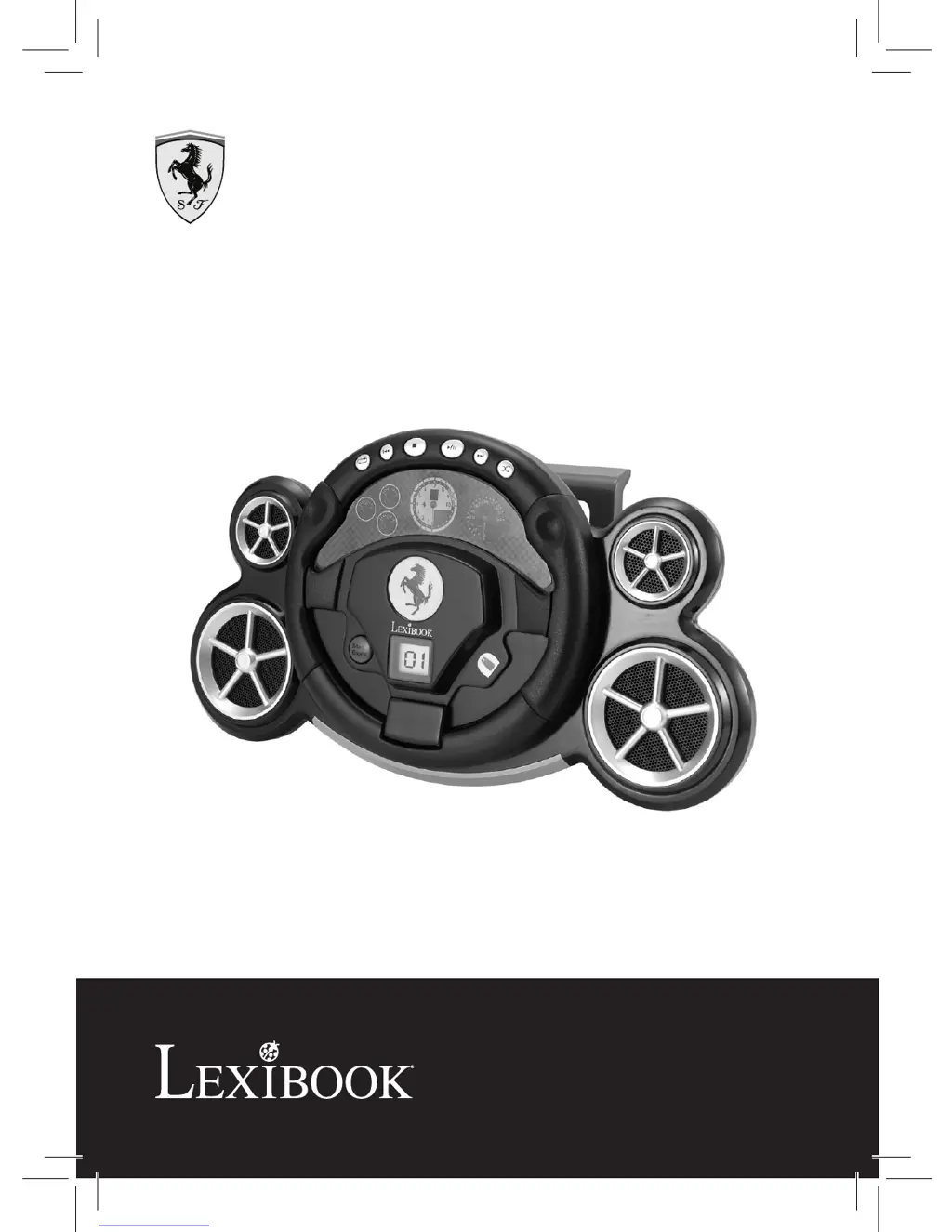
LEXIBOOK RCD150FE - User Manual

LEXIBOOK RCD150FE
130 pages
Go to English
Print Icon
To Next Page IconTo Next Page
Loading...
Radio portative AM/FM
stéréo avec lecteur CD-R/RW
Portable CD-R/RW
with AM/FM Stereo Radio
GUIDE D’UTILISATION
OWNER’S MANUAL
RCD150FE

Table of Contents

Questions and Answers

  • L
    Lorraine TranAug 10, 2025
    What to do if my LEXIBOOK Portable Stereo System CD will not play?
    • N
      Nicholas JacksonAug 10, 2025
      If the CD won't play, ensure the FUNCTION switch is set to CD. Also, check that the AC power cord is properly connected and that the disc is correctly inserted.
  • H
    Heather CastroAug 21, 2025
    Why is the AM or FM sound poor or not working on my LEXIBOOK Portable Stereo System?
    • J
      joneshollyAug 21, 2025
      Poor or no sound on AM/FM could be due to several reasons. First, try retuning the AM or FM broadcast station and reorient the FM antenna. For AM, rotate the unit until you get the best reception and ensure the FUNCTION switch is set to RADIO. Finally, make sure the volume isn't at its minimum level and increase it if necessary.
  • L
    lwilsonAug 30, 2025
    How to fix CD skipping or erratic playback on my LEXIBOOK RCD150FE Portable Stereo System?
    • R
      Robert CastilloAug 30, 2025
      If your CD skips or has erratic playback, first ensure the CD compartment is fully closed. Then, reinsert the disc correctly. If the issue persists, try a different disc, as the current one might be dirty or defective. Also, wipe the disc with a soft cloth to remove any moisture condensation.

LEXIBOOK RCD150FE Specifications

General IconGeneral
BrandLEXIBOOK
ModelRCD150FE
CategoryPortable Stereo System
LanguageEnglish