EasyManua.ls Logo

LEXIBOOK ST5Z - User Manual

LEXIBOOK ST5Z
51 pages
Print Icon
To Next Page IconTo Next Page
Loading...
ST5Z
ST5ZIM0136.indd 1 04/04/2006 18:07:20

Questions and Answers

  • C
    Christina MillerJul 30, 2025
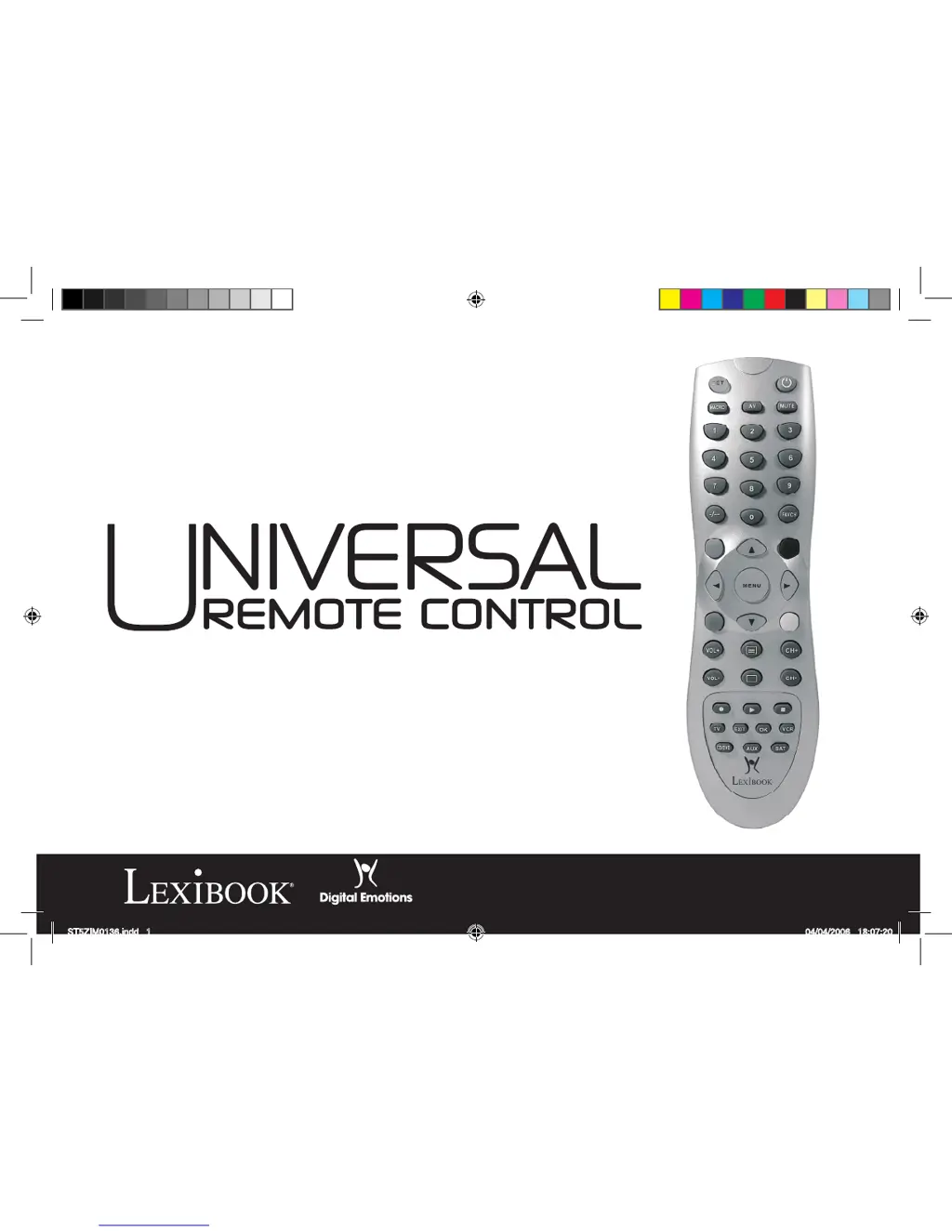
    What to do if LEXIBOOK ST5Z Remote Control does not operate my device?
    • T
      Taylor BrownJul 30, 2025
      If your LEXIBOOK Remote Control isn't operating your audio-video device, try these steps: * First, check the battery power. * Second, attempt the manual set-up (as described on page 4). * Third, try the quick search set-up (as described on page 5). * Finally, proceed to auto search set-up (as described on page 5).
  • K
    Kathryn AriasAug 4, 2025
    Why my LEXIBOOK ST5Z Remote Control does not respond after pressing a key?
    • K
      Karen WhiteAug 4, 2025
      If your LEXIBOOK Remote Control doesn't respond when you press a key, ensure you're using new batteries and aim the remote control directly at your device.
  • V
    Valerie WilliamsAug 9, 2025
    What to do if LEXIBOOK Remote Control stops working after setup?
    • R
      reedjustinAug 9, 2025
      If your LEXIBOOK Remote Control stops working after a successful set-up, first check the battery power. Then, ensure you've pressed the correct device key (TV, CD/DVD, VCR, SAT, or AUX).
  • B
    brianrobertsAug 14, 2025
    Why is the LED indicator blinking on my LEXIBOOK ST5Z Remote Control?
    • W
      walterjamesAug 14, 2025
      If the LED indicator on your LEXIBOOK Remote Control blinks or stays lit during normal use (not during setting), replace the batteries with two new AAA alkaline batteries.
  • C
    Christine MonroeAug 19, 2025
    Why some keys on my LEXIBOOK Remote Control are not working properly?
    • S
      Sarah ChapmanAug 19, 2025
      The ST5Z Universal Remote Control may not have all the functions of your audio-video device's original remote control.
  • C
    Christine WebbAug 23, 2025
    How to setup LEXIBOOK Remote Control if brand is not listed?
    • L
      Leslie VasquezAug 23, 2025
      If the brand of your audio-video device isn't listed in the code book for your LEXIBOOK Remote Control: * Proceed to quick search set-up (page 5). * Proceed to auto search set-up (page 5).

Summary

Installing Batteries

Remote Control Functions and Operation

Remote Control Setup

Programming Modes

There are 3 programming modes: Manual, Quick Search and Automatic Programming.

Manual Setup Procedure

Step-by-step guide to program the remote using codes.

Quick Search Setup

Search for codes if manual setup fails or codes are missing.

Automatic Search Setup

Advanced Remote Features

Troubleshooting Guide

Common Remote Issues and Solutions

The brand of your audio-video device is not listed in the code book. The remote control does not operate your audio-video device.

LEXIBOOK ST5Z Specifications

General IconGeneral
Number of devices5
CompatibilityTV, DVD
Battery typeAAA
Range8 m
DisplayLCD
Programming methodManual

Related product manuals