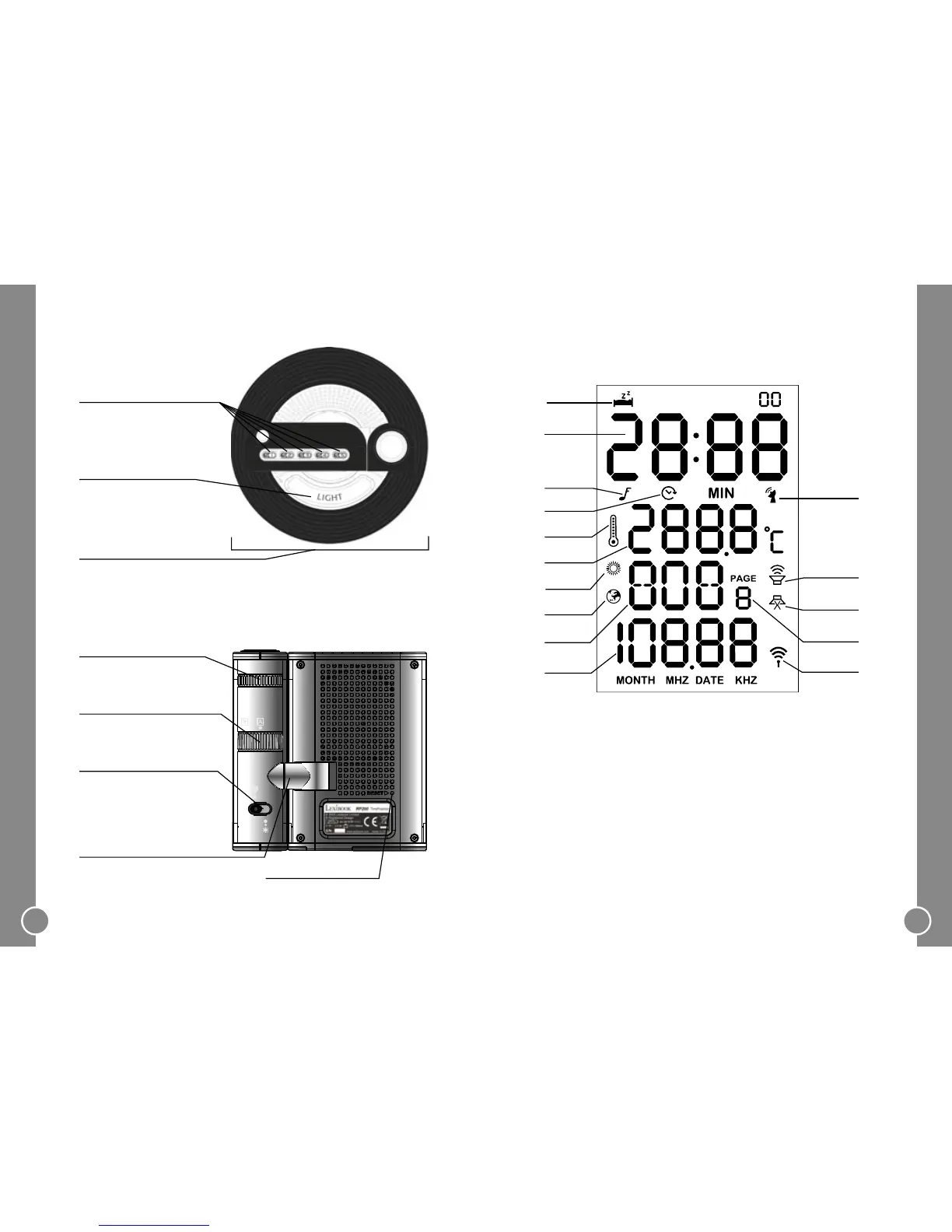
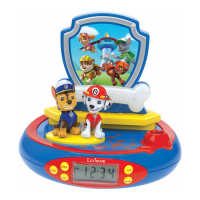
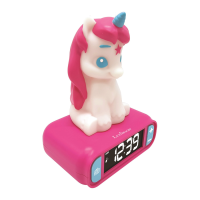
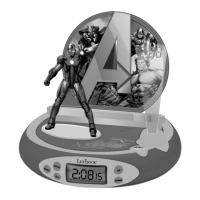
Top and bottom view
To project the time on the
ceiling or wall of a room.
Memory spaces to store
radio frequencies.
Volume knob at the base of the unit.
Back view
To adjust the focus of the
projection.
To reset the unit’s settings.
Adjust to choose the location
of the projection.
To turn the projection on
and off if the unit is
connected to the mains.
To rotate the projection to
the right angle.
S1 to S5
Focus knob
Rotation knob
Projector switch
Projector
Reset key
Volume Knob
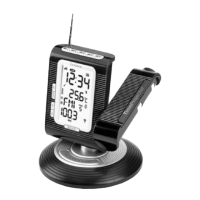
LCD Screen Layout
Day / FM1-FM6
DATE / Radio frequency
RCC icon
(Radio Controlled Clock)
Preset radio turn on icon
Radio sleep mode icon
Page (frequency saving) icon
Radio on icon
1.
2.
3.
4.
5.
6.
7.
8.
Snooze icon
Time
Alarm icon
Countdown icon
Temperature icon
Temperature °C / F
Summer time icon
World time icon
9.
10.
11.
12.
13.
14.
15.
1.
2.
3.
4.
5.
6.
7.
8.
9.
10.
11.
12.
13.
14.
15.
Light


 To Next Page