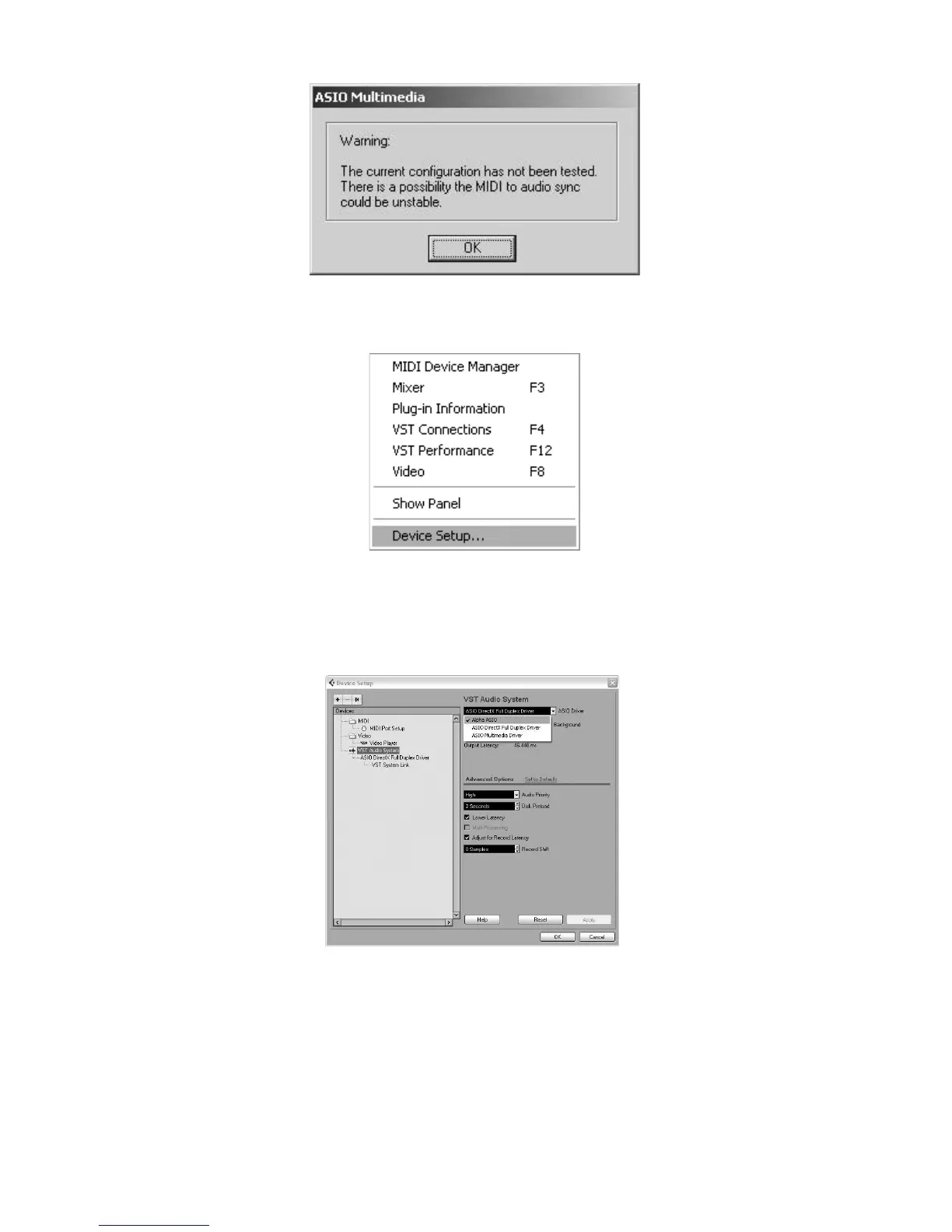
2. Cubase LE 4 may display the following warning that configuration has not been tested. Click OK.
3. Once you are into Cubase, go to Devices>Device Setup.
4. Under Devices, click on VST Audio System and select Alpha ASIO from the ASIO Driver pull-down
menu if it is not already selected. Click on Switch to switch the driver and click OK. You are now ready to
begin recording using your Alpha Studio
TM
and Cubase LE 4.


 To Next Page