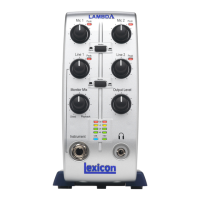
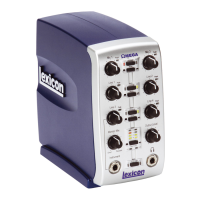
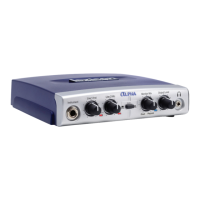
Lambda MAC Setup Guide
Cubase LE Setup
When using the Lambda with Cubase LE, it will be best to set the Lambda as the
default audio device under the MAC OS utility "Audio MIDI Setup".
1. Go to the main applications folder and choose the Utilities folder.
2. Start the Audio/MIDI Setup utility application.
3. Set "Lexicon Lambda In/Out" for the Default Input, Default Output and System
Output settings.
4. Next, launch the Cubase LE application and choose the section for Devices,
Device Setup. Under the VST Multitrack section, choose "Lexicon Lambda In/Out
(2)" for the ASIO driver.

 Need help?
 General

 To Next Page