63
IMPORTANT:
This product does not require an ENKI box to operate,
but the ENKI App.
GETTING STARTED
Make sure your internet router’s Wi-Fi is 2.4 GHz.
Step 1
Open the ENKI application and log in.
Step 2
In the «my items» tab, click on the «+» button.
Step 3
Select the LEXMAN brand and choose the product from the list.
Step 4
Follow the instructions described on the screens of the application.
The ENKI App will automatically recognize your object.
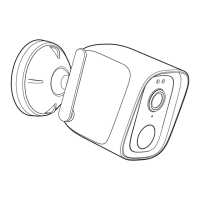
Product description
Associate the connected camera with a scenario to secure your home.



 To Next Page