17
Set up the print supplies
5 Reinstall the print cartridges. For
each cartridge:
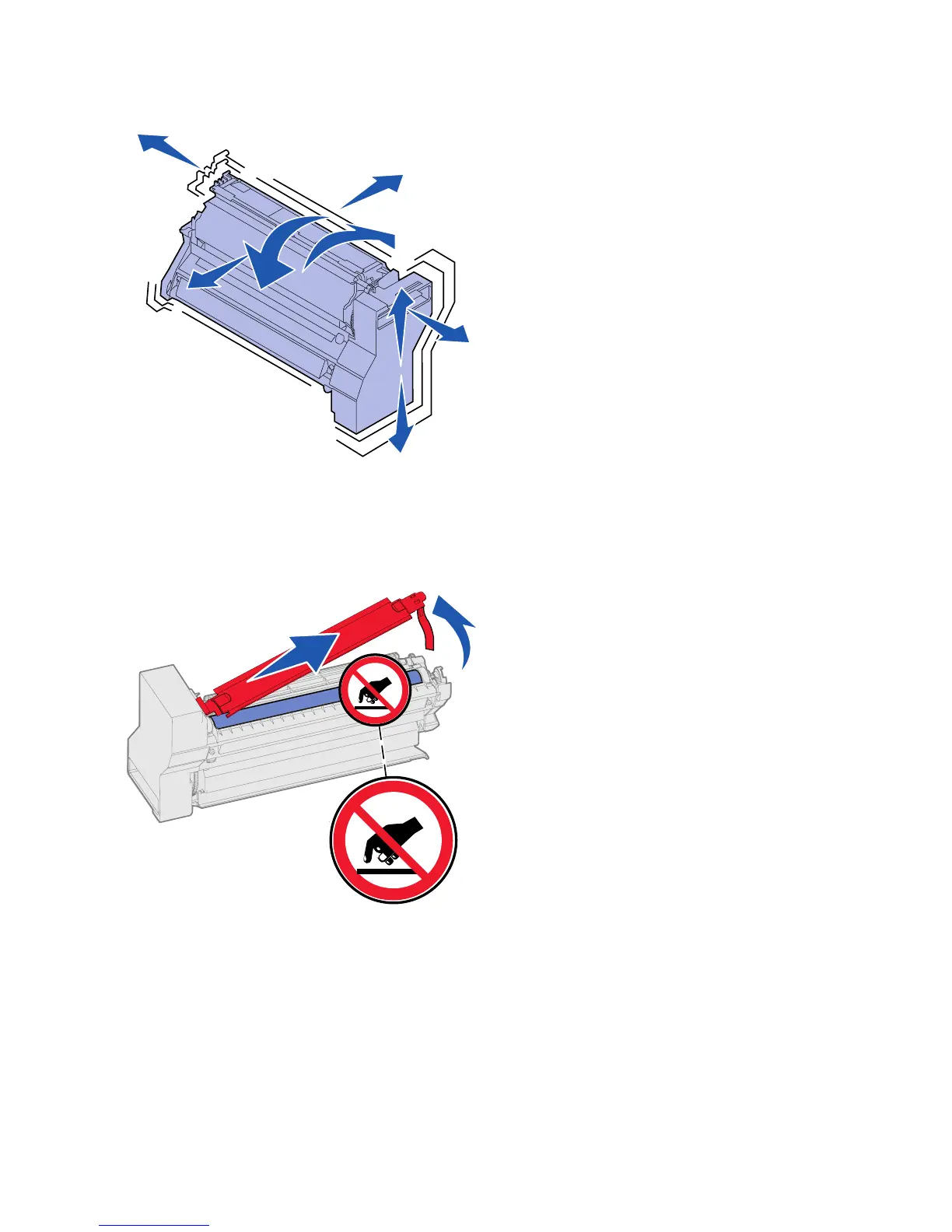
a Rotate the cartridge in all
directions to distribute the
toner.
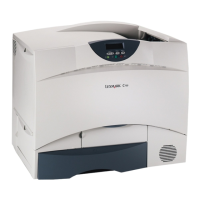
b Turn the cartridge over so that
the handle is on the bottom.
Warning: Failure to remove the packing material from
the print cartridges damages the printer.
c Remove the plastic packing
material from the
photoconductor drum.
Discard the packing material.
d Turn the cartridge so that the
handle is on the top.




 To Next Page