IN THE BOX
1x Luma M 1x USB Type-C charging cable 1x User manual
PRODUCT OVERVIEW
1. Touch area (Lighting function) 5. Receiver for wireless charging
2. Lamp 6. LED indicator (battery & charging status)
3. BT Button (connection between Luma M lamps) 7. USB Type-C charging port
4. Reset key
FEATURES
• LED technology with 9 colors (warm white, cold white, blue, yellow, green, red, purple, light pink & light blue)
• Dimmable LED lights with memory system
• Interconnectable LED lamp (Bluetooth mesh network)
• Suitable for outdoor use (IPX4)
• Rechargeable via wireless charging or USB Type-C
CHARGING
We recommend you to fully charge the battery before using Luma M for the first time.
The initial full charge should take approximately 3 hours via USB charging and 4 hours via wireless charging.
LED information
Operation mode LED status (Red LED)
Charging LED indicator remains ON
In use LED indicator remains OFF
Fully charged LED indicator remains OFF
Charge with USB cable
1. Plug the provided USB Type-C cable into the charging port of Luma M.
2. Plug the USB end of the cable into any computer or any DC 5V power supply charger.
Charge with Wireless Charger
Luma M has a built-in wireless charging receiver. You can charge the battery by using a wireless charger.
1. Place Luma M at the center of the wireless charger.
2. Disconnect the device once the battery has been fully charged
OPERATING INSTRUCTIONS
Setting up one Luma M lamp
• Touch the top of the lamp to turn it ON.
• There are 9 colors options you can select by simply touching the top of the lamp.
• To adjust brightness, touch the top area until you reached the desired brightness then release.
• To turn OFF the light, wait 3 seconds after the color selection then touch again.
The last color set will be remembered for next time.
Note: If you want to set Luma M in cool and warm light mode only, quickly tap 3 times on the top area. To return to full set lighting
mode, repeat the procedure.
Pairing several Luma M lamps (Interconnection network)
Pairing Luma M with one or multiple Luma M lamps does not require any third-party software/device.
To enjoy the multiple bulbs synchronization feature, follow below instructions:
1. Press and hold the BT button at the bottom of each lamp for 3 seconds to turn ON the communication module.
The Blue LED will start flashing.
2. Select one of the lamps and press the BT button twice to initiate the multi-pairing procedure.
Once procedure is complete, all lamps will be on the same color setting.
The lamp used for connection is now identified a MASTER in the system, its LED will keep flashing while others are turned
OFF
You can now interact from any lamp the change the color, adjust brightness or turn ON & OFF all lamps at once.
Important note: Bluetooth will automatically turn off after the lamp has been off for 60 minutes.
If you enable the Bluetooth® on one of your lamps to connect it to the network, but do not complete the pairing, the lamp's
Bluetooth mode will turn off after 3 minutes automatically
Add one or more Luma M lamps to the network
1. To add one or more Luma M lamps to the network, simply to it (them) ON by pressing and holding the BT button on each unit
for 3 seconds.
2. Press once on the pairing button of any lamp from the existing network (repeat the procedure with any new device).
Exclusive LOCK NETWORK feature
Luma M is equipped with a unique locking system allowing only One lamp to control all others, preventing any change of color,
brightness or even turn ON/OFF to be made from any other lamp in the network. The main lamp (MASTER) is the only one to control
the network. All other lamps are becoming SLAVES.
To enable LOCK function, take the MASTER units and follow below instructions:
1. Press 5 times on the BT MASTER device button, it will send signal to ALL other lamps to LOCK.
2. In LOCK mode, only MASTER interact with other lamps. Its LED is double flashing every 3 seconds.
3. Network can be unlocked by quickly pressing 5 times on the BT button from the MASTER lamp
To change the MASTER device
1. Make sure the network is UNLOCKED
2. Quickly Press the BT button on any device for 10 times, this device will become the new MASTER device.
You can now LOCK and UNLOCK the network from this new device.
Important note: In LOCKED/UNLOCKED network mode, it is strongly recommended to always keep the MASTER device in
charge or fully charged to get the best experience and avoid loss of control of the entire network.
Other working operations:
• To turn OFF ALL the lamps when the network is locked, double tap on the top of the MASTER device.
You’ll need to tap on the MASTER again to turn all lamps back ON.
• To turn OFF only one lamp when the network is locked, long press on the BT button from more than 15 seconds until the lamp
turns OFF. (This will remove the lamp from the network. Repeat the pairing procedure above to bring it back to the network)
• To reset the lamp, insert a thin object into the hole (4) under the lamp and press the key inside.
A manual reset allows you to reboot your device and correct miscellaneous bugs (unrecognized device, unstable Bluetooth
connection...).
LED Information
Operation mode LED status (Blue LED)
Ready to pair Blinking quickly
Master device Blinking twice every 3 seconds
Locked devices Off
SAFETY PRECAUTIONS
• IPX4 water resistant device, resistant to rain, splash, and spray water.
• Never immerse your device in water to avoid internal short circuit, overheating, fire, deformation or even explosion of the
battery.
• Do not store your device in very hot or cold areas. It is recommended to use your device at room temperatures.
• Do not attempt to service, repair or disassemble the device yourself.
• Make sure to respect the technical specifications for charging and never use a power adapter delivering more voltage output
than the one indicated to avoid any irreversible damage to the internal circuit (DC Input: 5V)
• Do not place the Luma M case on the wireless charger when conductive materials, such as metal objects and magnets, are
placed between the Luma M case and the wireless charger.
Use only certified wireless chargers.
PRODUCT SPECIFICATIONS
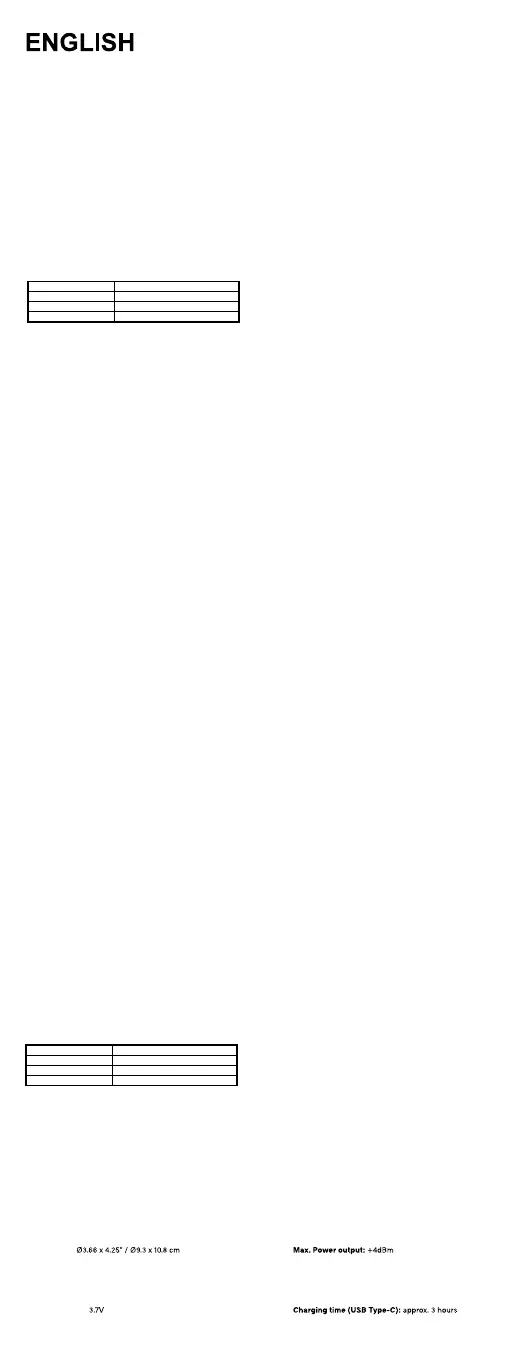
Material: SBA/muinimulA Bluetooth® range: 10m
Weight: 0.34 lbs / 153 g Frequency range: 2402M-2480MHZ
Dimensions:
Max lumen output: 45 lm Input port: DC 5V
Color temperature: Wireless input: 5W
Warm white: 3000-3500 Battery type: Li-polymer
Cold white: 6800-7200 Battery capacity: 900 mA
Color temperature: 3000- 7200k Charging system: USB Type-C or Supports wireless charging
Battery voltage:
Normal usage time Charging time (wirelessly): approx. 4 hours
Lamp ON not connected to network: Up to 24h (Brightness at 50%) Operating temperature: -10°C - +50°C
Lamp ON connected to network: Up to 12h (Brightness at 50%) nternational warranty: 1 year



 To Next Page
 Loading...