237
3-3. Using the audio system
3
Interior features
Slow playback
To u c h and then touch . Video is played slowly while you
are touching .
Searching a desired screen
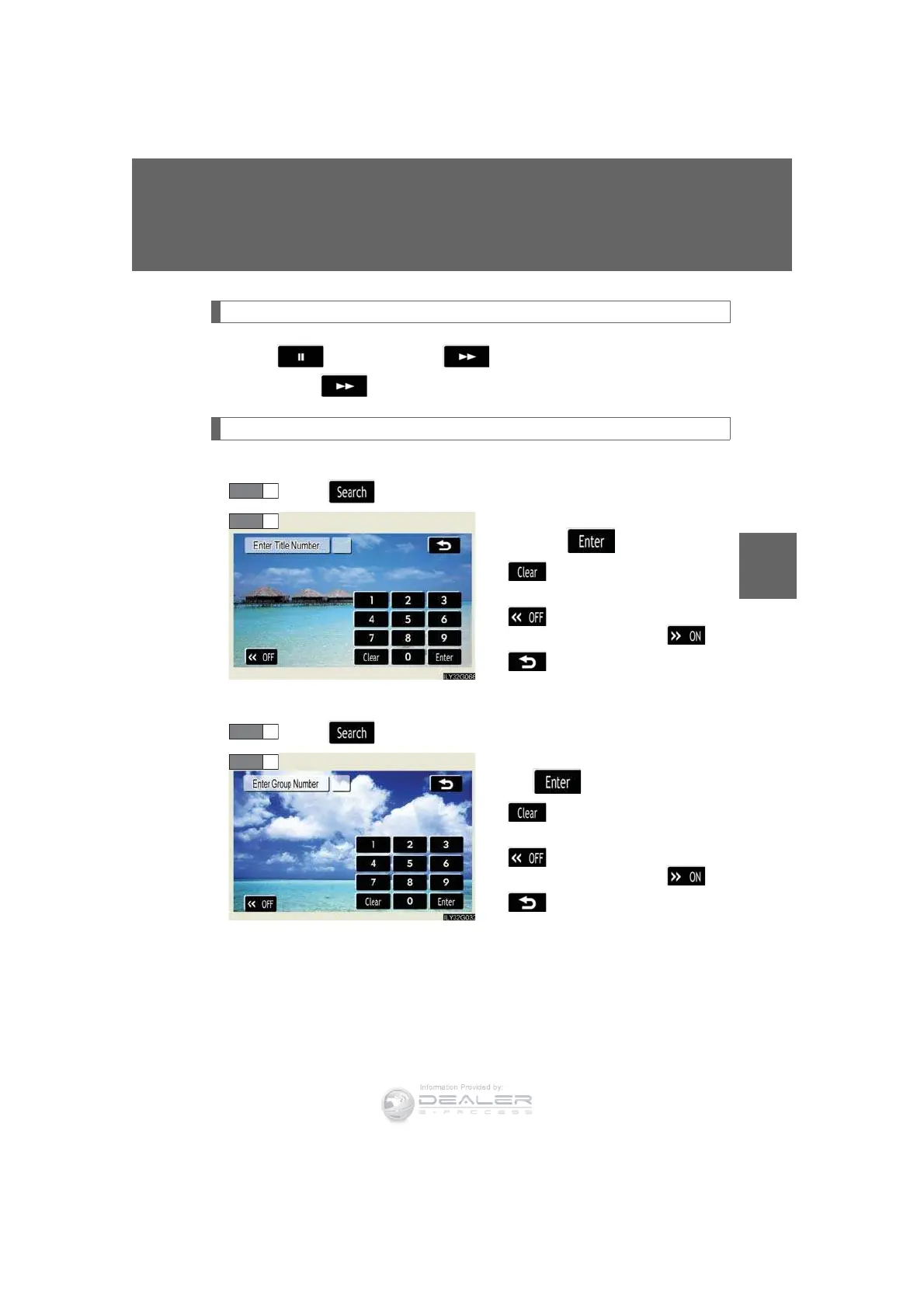
n Searching by title (DVD video mode)
To u c h in the control icons.
Input the desired title number and
then touch .
: deletes the last input
number.
: hides the icons. To display
the icons, touch .
: returns to previous
screen.
n Searching by group (DVD audio mode)
To u c h in the control icons.
Input the group number and then
touch .
: deletes the last input
number.
: hides the icons. To display
the icons, touch .
: returns to previous
screen.
STEP 1
STEP 2
STEP 1













 To Next Page