275
3-4. Using the hands-free system
3
Interior features
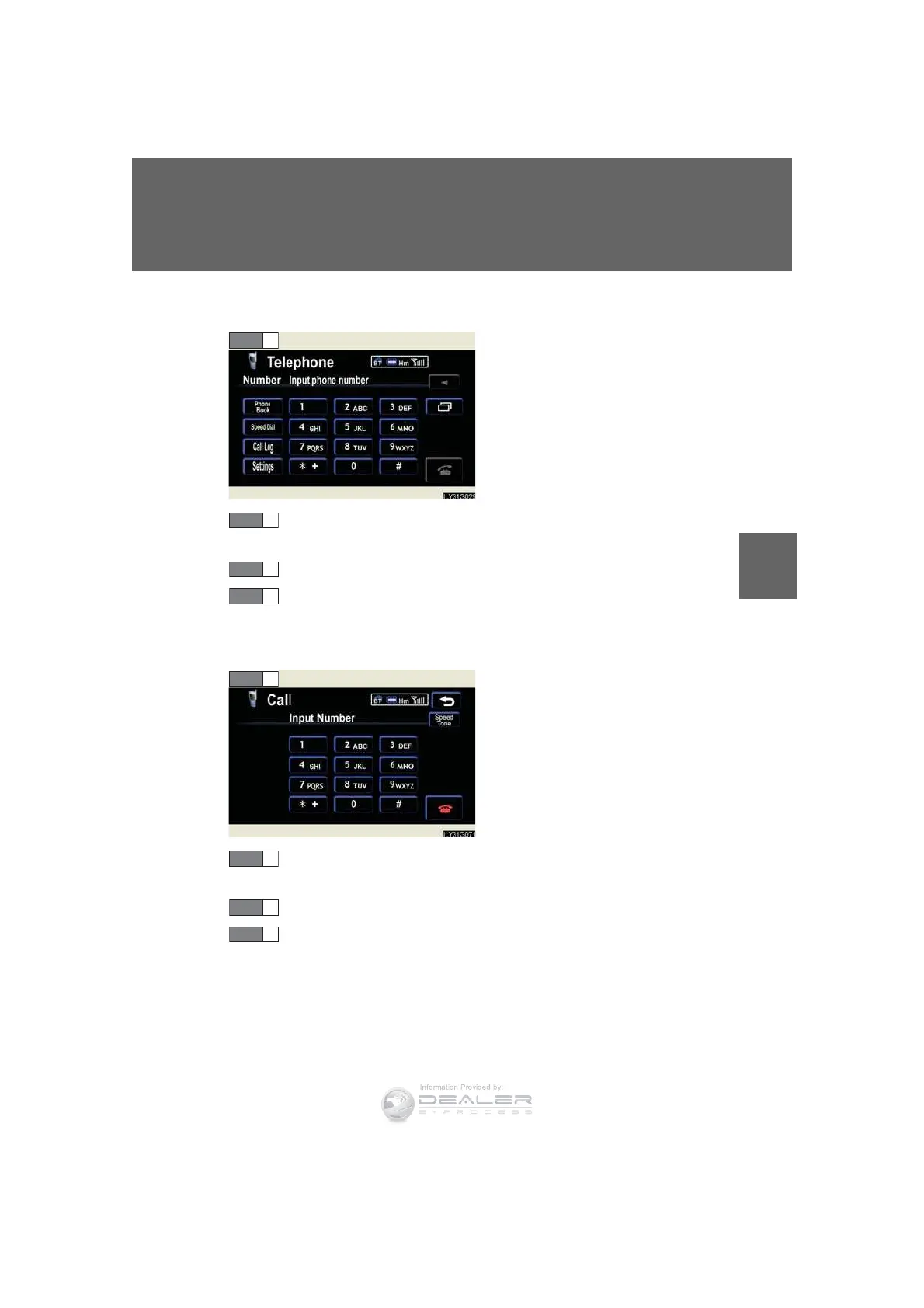
l Calling by number from the “Telephone” screen
Press the talk switch.
Following the system guidance, wait until the beep and then say
the desired number.
Following the system guidance, press the talk switch.
Following the system guidance, wait until the beep and then say
“Dial”.
l Sending tones from the “Call” screen
Press the talk switch.
Following the system guidance, wait until the beep and then say
the desired number.
Following the system guidance, press the talk switch.
Following the system guidance, wait until the beep and then say
“Yes”.
n Calling using POI
You can make a call using a Point Of Interest. (→“Navigation System
Owner’s Manual”)
STEP 1
STEP 2
STEP 1
STEP 2













 To Next Page