276
3-4. Using the hands-free system
n Made/Received call history list
l If you make a call to or receive a call from a number registered in the phone
book, the name is displayed in the call history.
l If you make multiple calls to the same number, only the last call made is dis-
played in the made calls history.
l is displayed to the left of phone number for unanswered calls.
l Calls where the number is unavailable, such as public telephones, are not stored
in the call history.
n When driving
l The functions “Dialing”, “Dialing from the phone book”, and “Dialing from his-
tory” are unavailable.
l If you press the on the steering wheel, the “Speed Dial” screen is displayed.
At this time phone numbers will not be displayed. Choose from the names dis-
played to make a call.
n International calls
You may not be able to make international calls, depending on the mobile phone in
use.
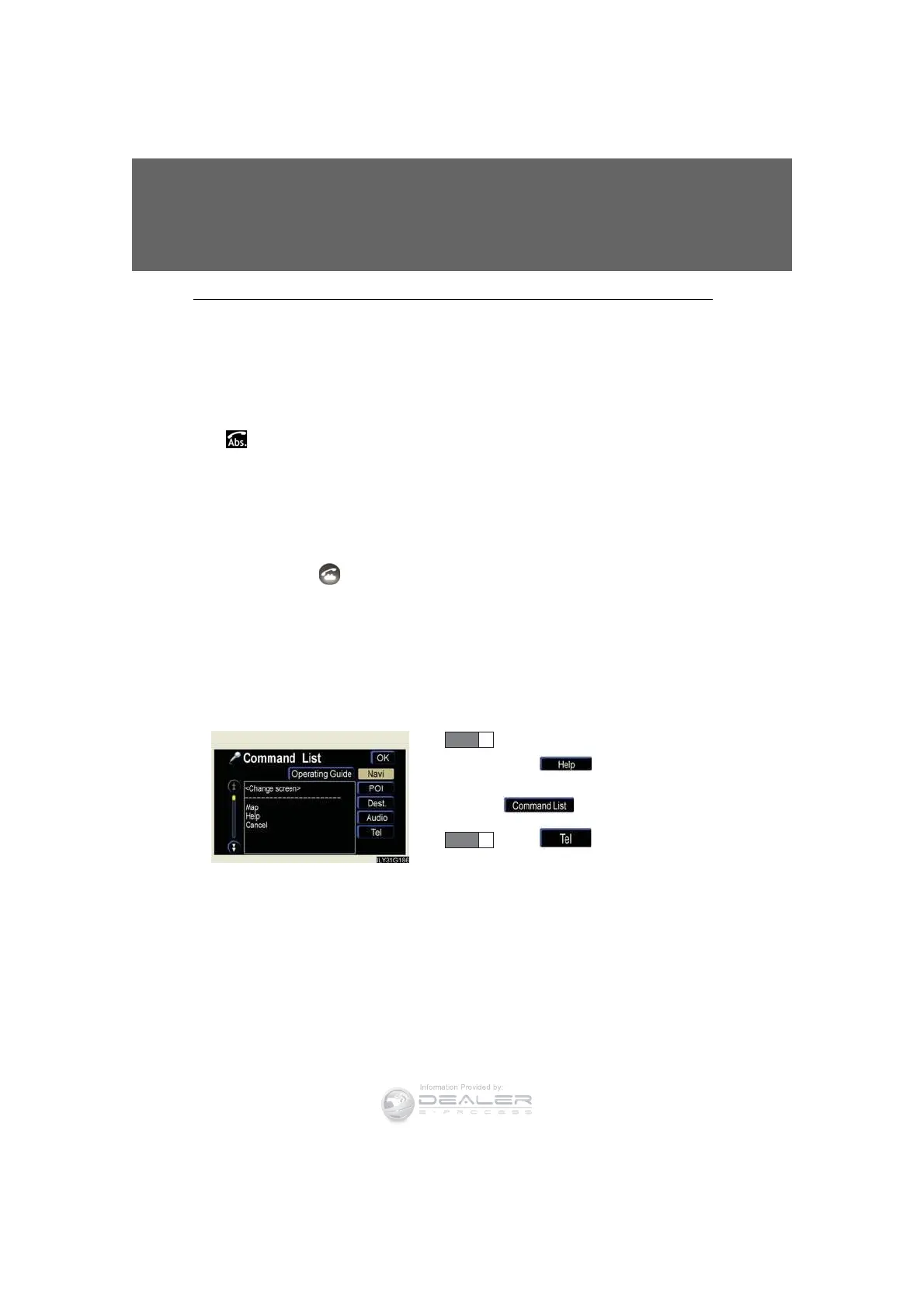
n To display the voice recognition command list
After pressing the talk switch,
press . If the “Operating
Guide” screen is displaying, press
.
Press .
STEP 1
STEP 2













 To Next Page