277
3-4. Using the hands-free system
3
Interior features
Receiving a call
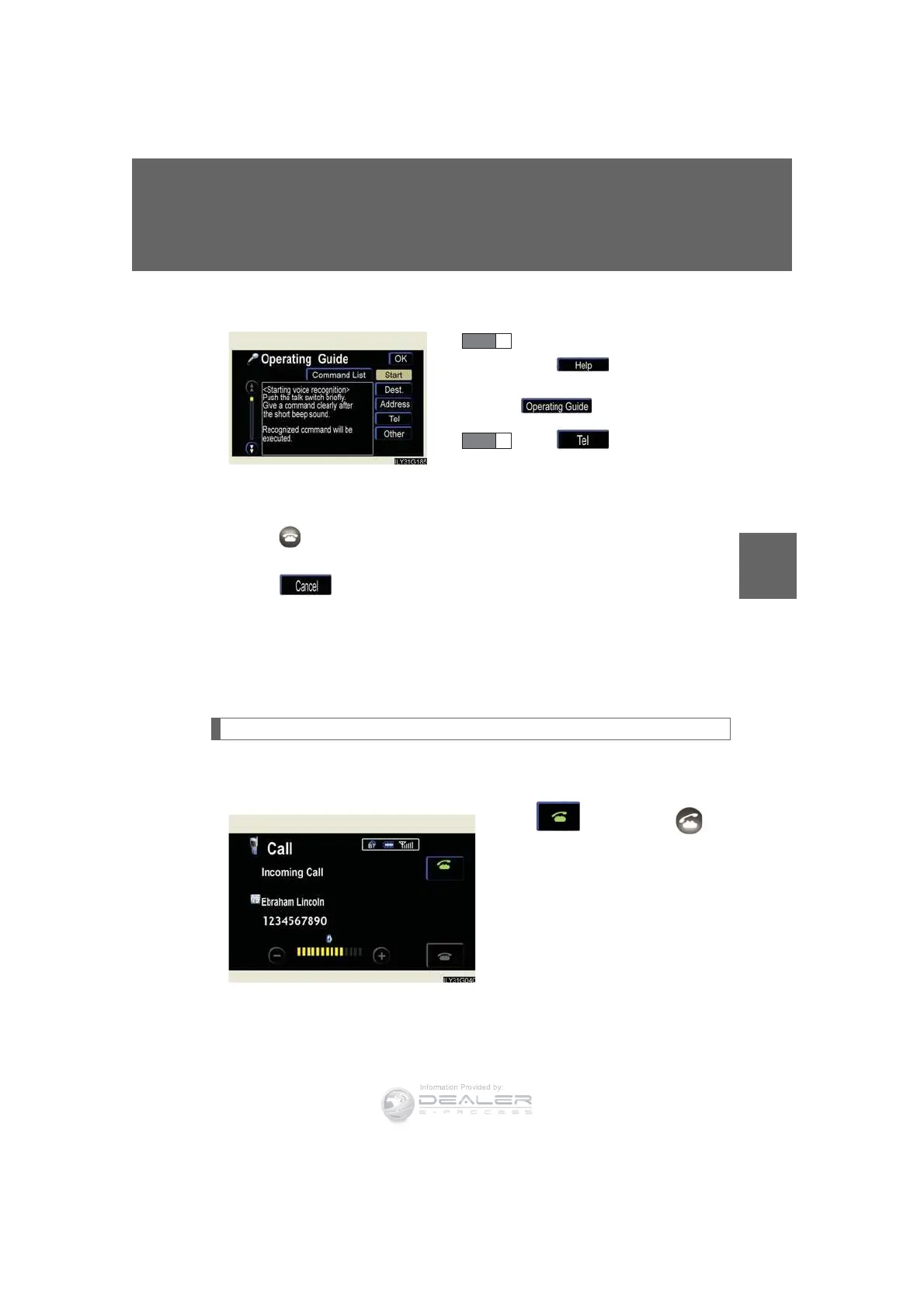
When a call is received, the following screen is displayed together with a
sound.
Touch or press the on
the steering wheel.
n To display the voice recognition operating guide
n To cancel voice recognition
l Press and hold the talk switch.
l Press on the steering wheel.
l Say “Cancel”.
l Press . (excluding command verification)
n When using voice recognition
Use correct commands and speak clearly, otherwise the system may not correctly
recognize the command. Wind or other noises may also cause the system not to
recognize the desired command.
After pressing the talk switch,
press . If the “Command
List” screen is displaying, press
.
Press .
STEP 1
STEP 2













 To Next Page