298
3-4. Using the hands-free system
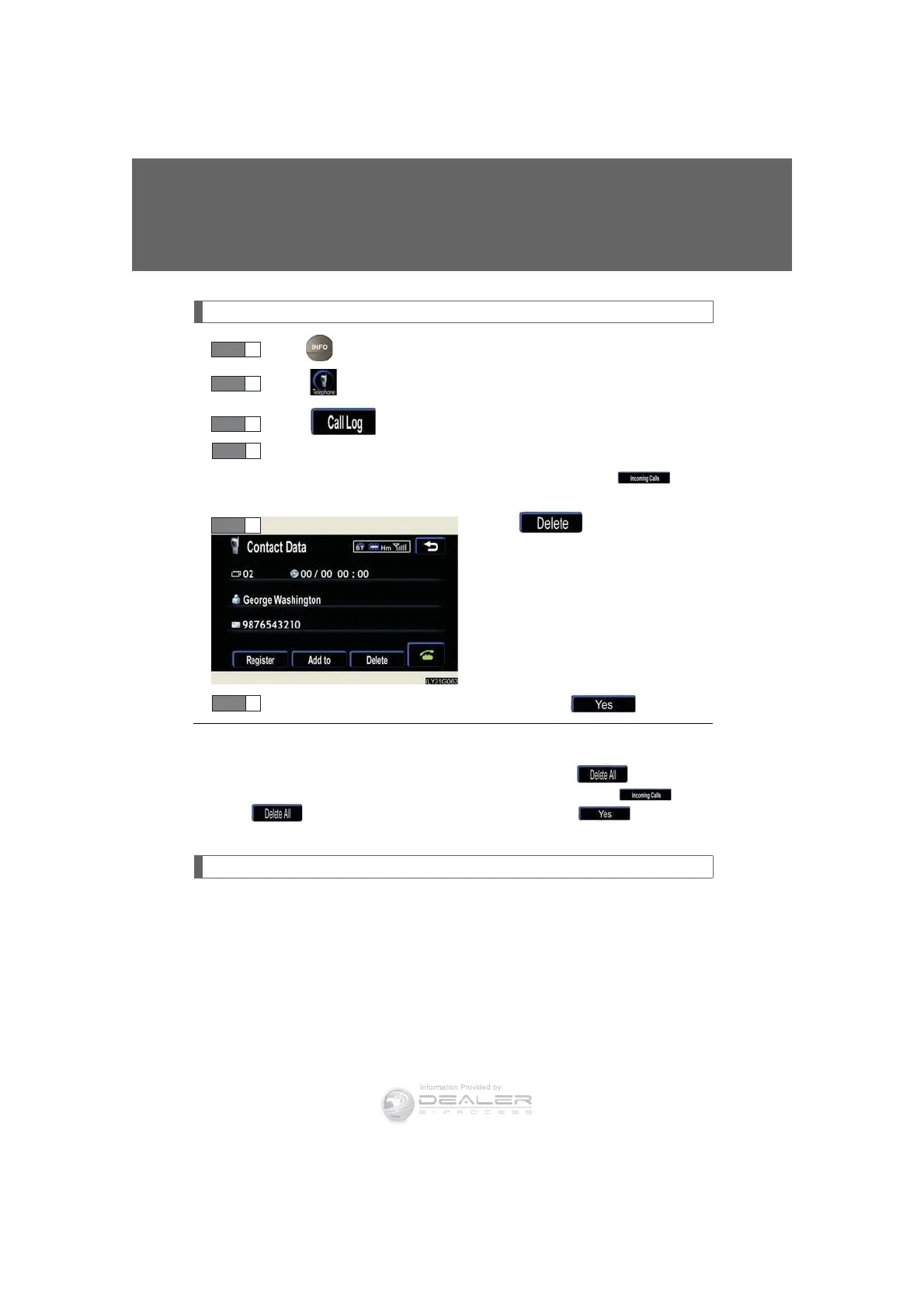
Deleting the history
Press .
Touch on the “Information” screen.
Touch on the “Telephone” screen.
Select the data to delete from the list.
To delete data from the received calls history, touch , then
select the data to delete.
Touch .
Check that everything is correct, then touch .
Changing the security settings
You can disable certain hands-free system functions. Use the security set-
tings when you do not wish other people to see the registered data, for
example when having the vehicle valet parked at a hotel.
To enable or disable security, the security code (4 digits) is required. The
default code is “0000”. Be sure to change the security code before use.
STEP 2
STEP 3
STEP 4
STEP 5
n To delete all data
Follow the steps “Deleting a group name” to “STEP 4”. Touch on the “Out-
going Calls” screen. To delete all received call history data, touch , then
touch . Check that everything is correct, then touch .
STEP 6



 To Next Page