455
3-3. Using the Lexus Display Audio system
3
Interior features
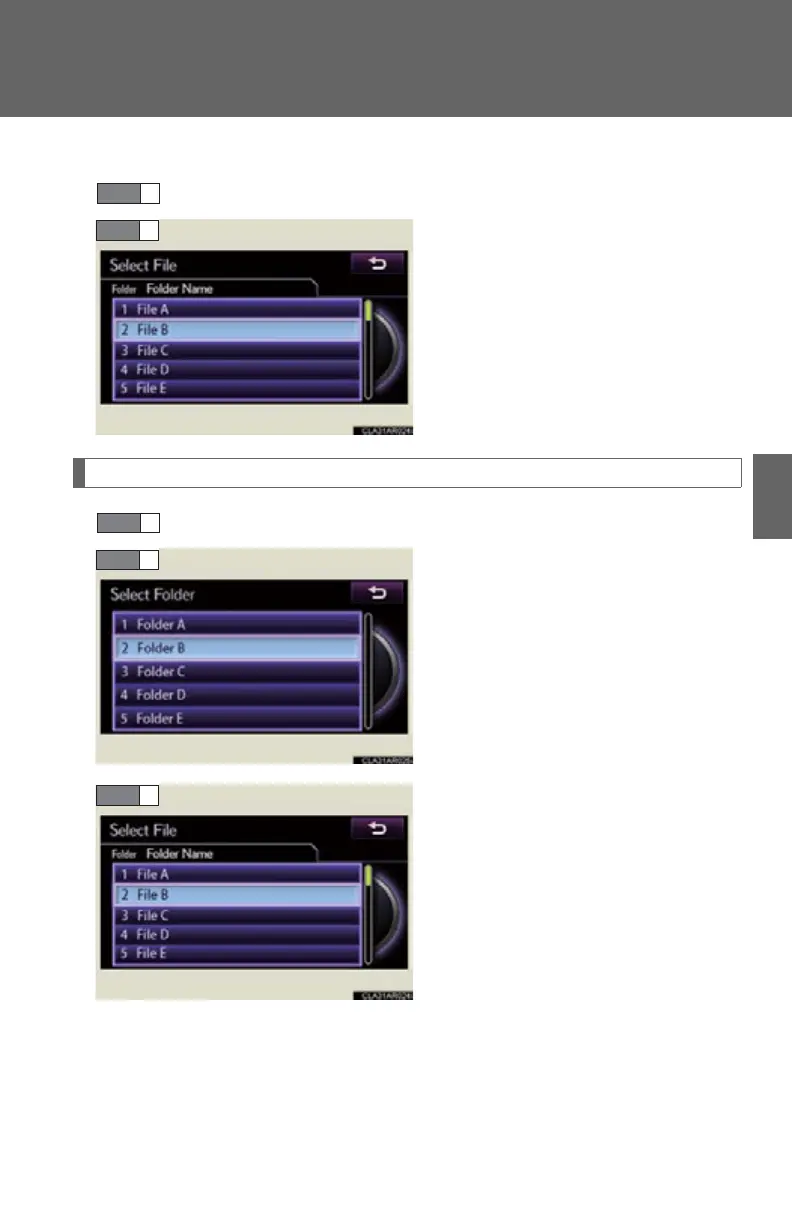
■ Selecting a file from the file list
Select “Files” on the screen.
Select the desired file number.
Selecting a folder (MP3/WMA disc)
Select “Folders” on the screen.
Select the desired folder number.
Select the desired file number.
STEP 1
STEP 1



 To Next Page