515
3-3. Using the Lexus Display Audio system
3
Interior features
Manual
When the auto connection has failed or “Bluetooth* Power” is turned off
(P. 549), you must connect Bluetooth
®
manually.
*: Bluetooth is a registered trademark of Bluetooth SIG. Inc.
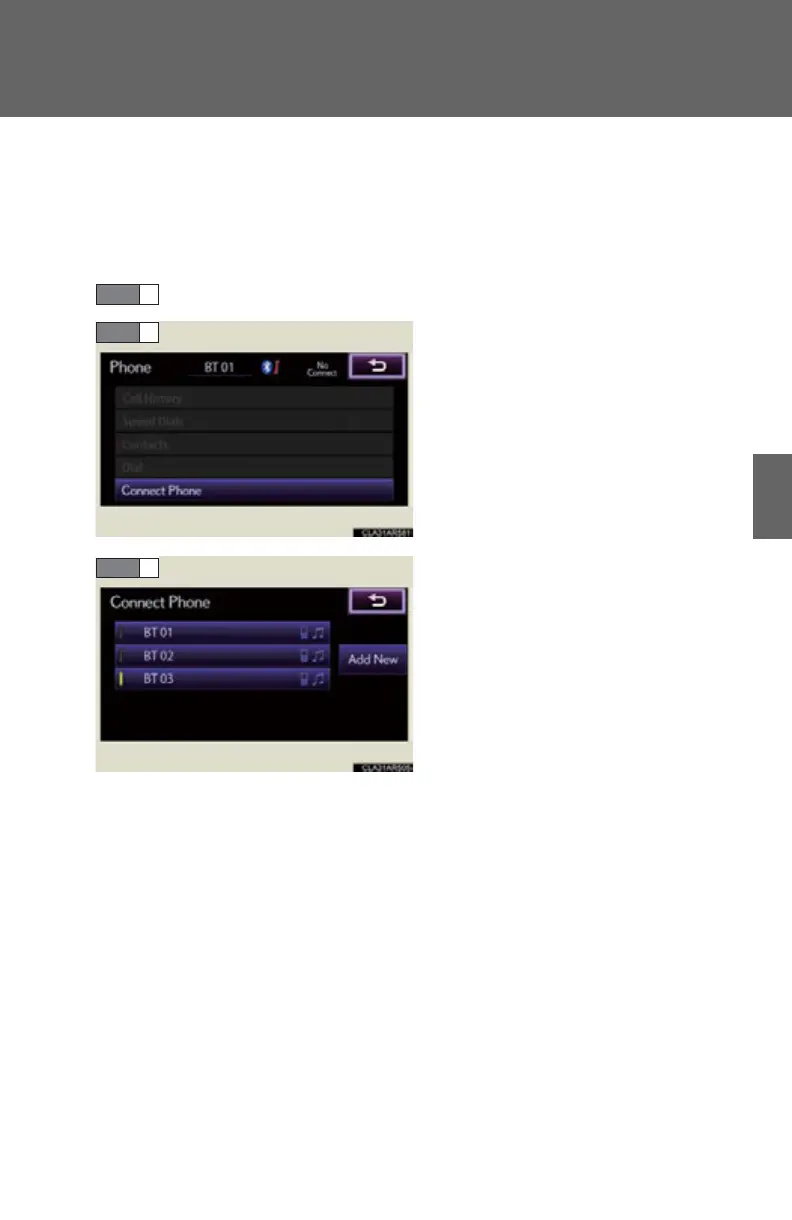
Display the “Phone” screen. (P. 510)
Select “Connect Phone”.
Select the device to connect.
A message is shown if connection
has been successful.
If connection fails, a message will
be displayed and connection will
be re-attempted.


 To Next Page