538
3-3. Using the Lexus Display Audio system
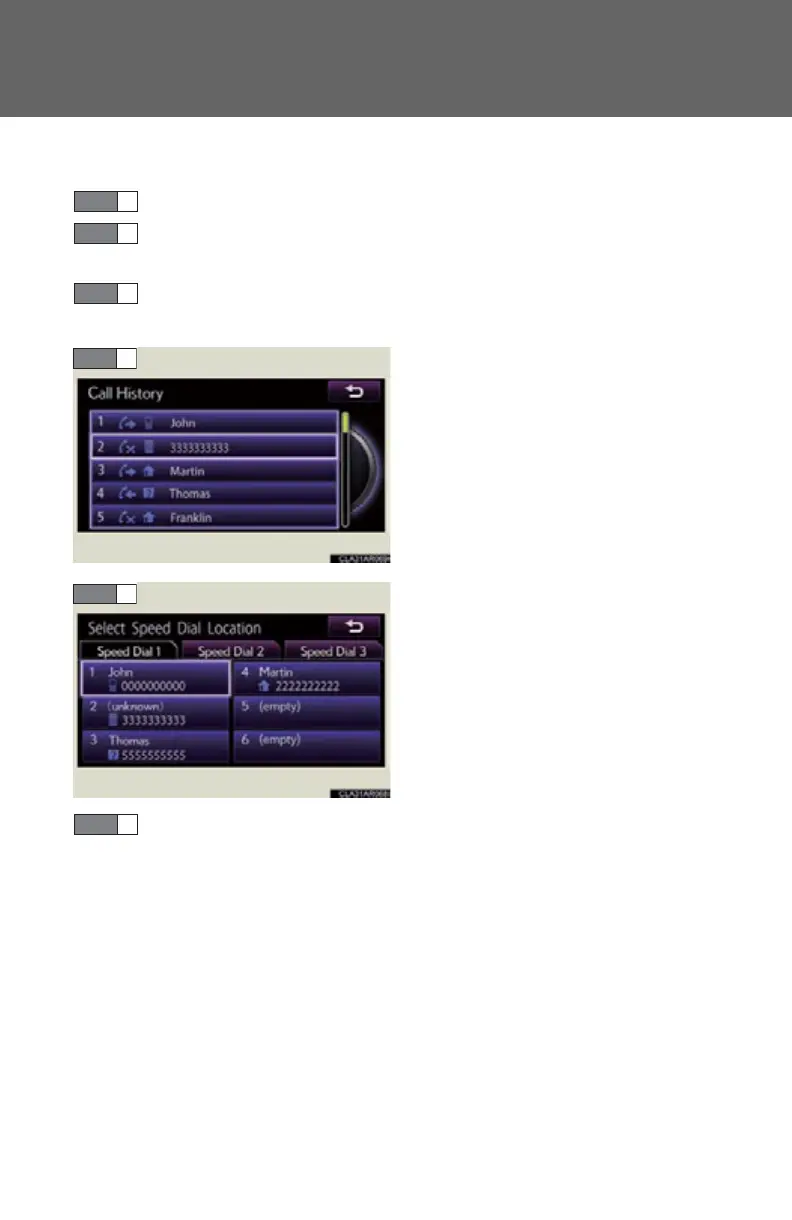
● Registering the speed dial from call history
Display the “Phonebook Settings” screen. (P. 532)
Select “Manage Speed Dials” on the “Phonebook Settings”
screen.
Select “New Speed Dial from Call History” on the “Speed Dials”
screen.
Choose the data to register.
Select the switch you want to reg-
ister the number in.
If you select a switch you registered before, a confirmation mes-
sage will be displayed. If you want to replace it, select “Yes”.
STEP 1
STEP 2
STEP 3
STEP 6



 To Next Page