INTERIOR EQUIPMENT
81
CLOCK
14E006a
The digital clock indicates the time with the ignition
key at the “ACC” or “ON” position. To reset the
hour, press the “H” button. To reset the minutes,
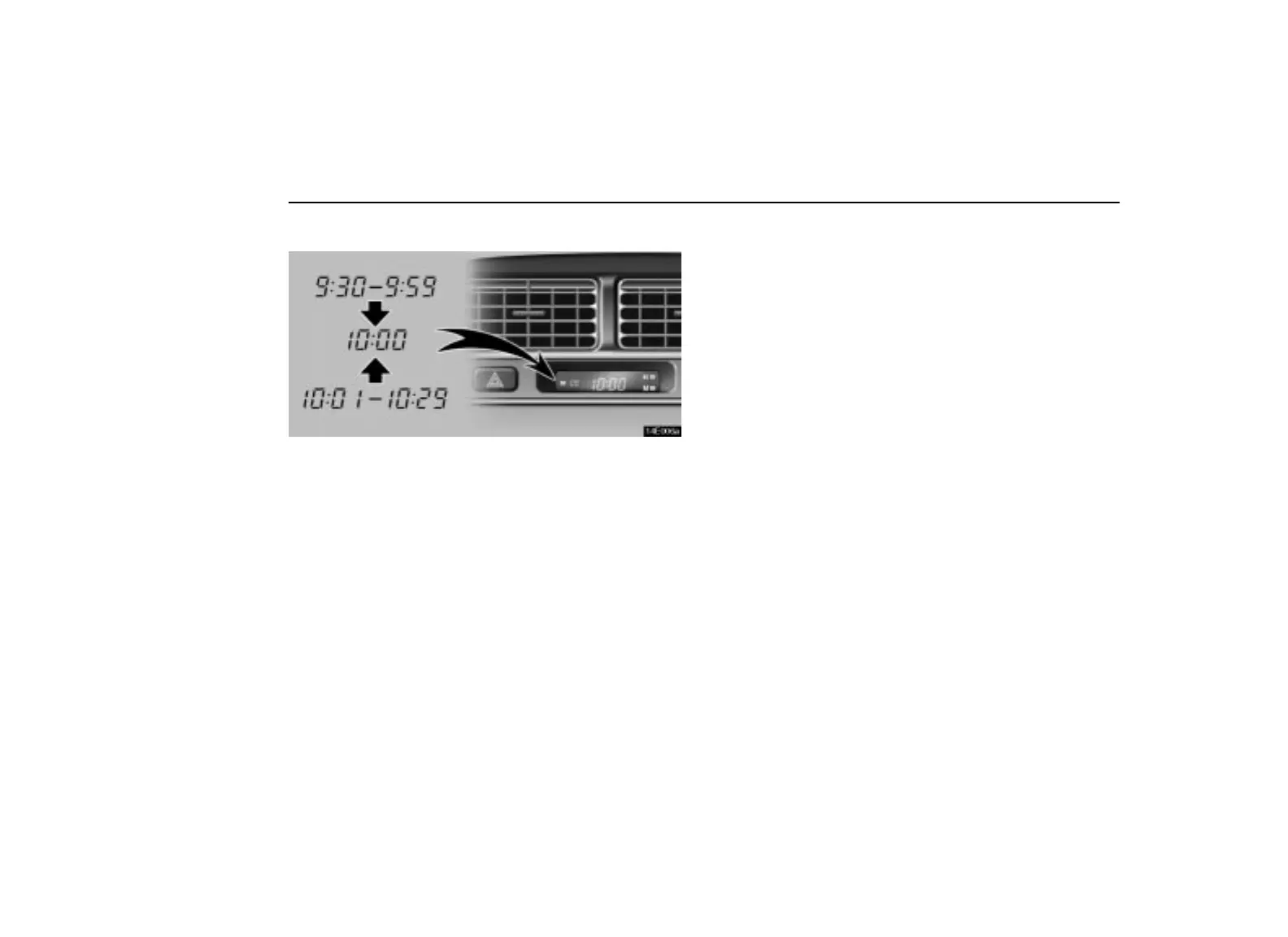
press the “M” button. To adjust the time to the
nearest hour, press the “:00” button.
For example, if the “:00” button is pressed when the time
is between 9:30 – 9:59 or between 10:01 – 10:29, the
time will change to 10:00.
With the tail lights on, the brightness of the time
indication will be reduced.
If the electrical power source has been disconnected
from the clock, the time display will automatically be set
to 1:00 (one o’clock).
CIGARETTE LIGHTER AND
ASHTRAY



 To Next Page