296
3-4. Using the hands-free system
Changing the phone book group name settings
■ Registering a group name
Press .
Touc h on the “Information” screen.
Touc h on the “Telephone” screen.
Touc h on the “Settings” screen.
Touch the switch in the “Group Name” section of the
“Phone Book Management” screen.
Select the group to register (“01” - “19”).
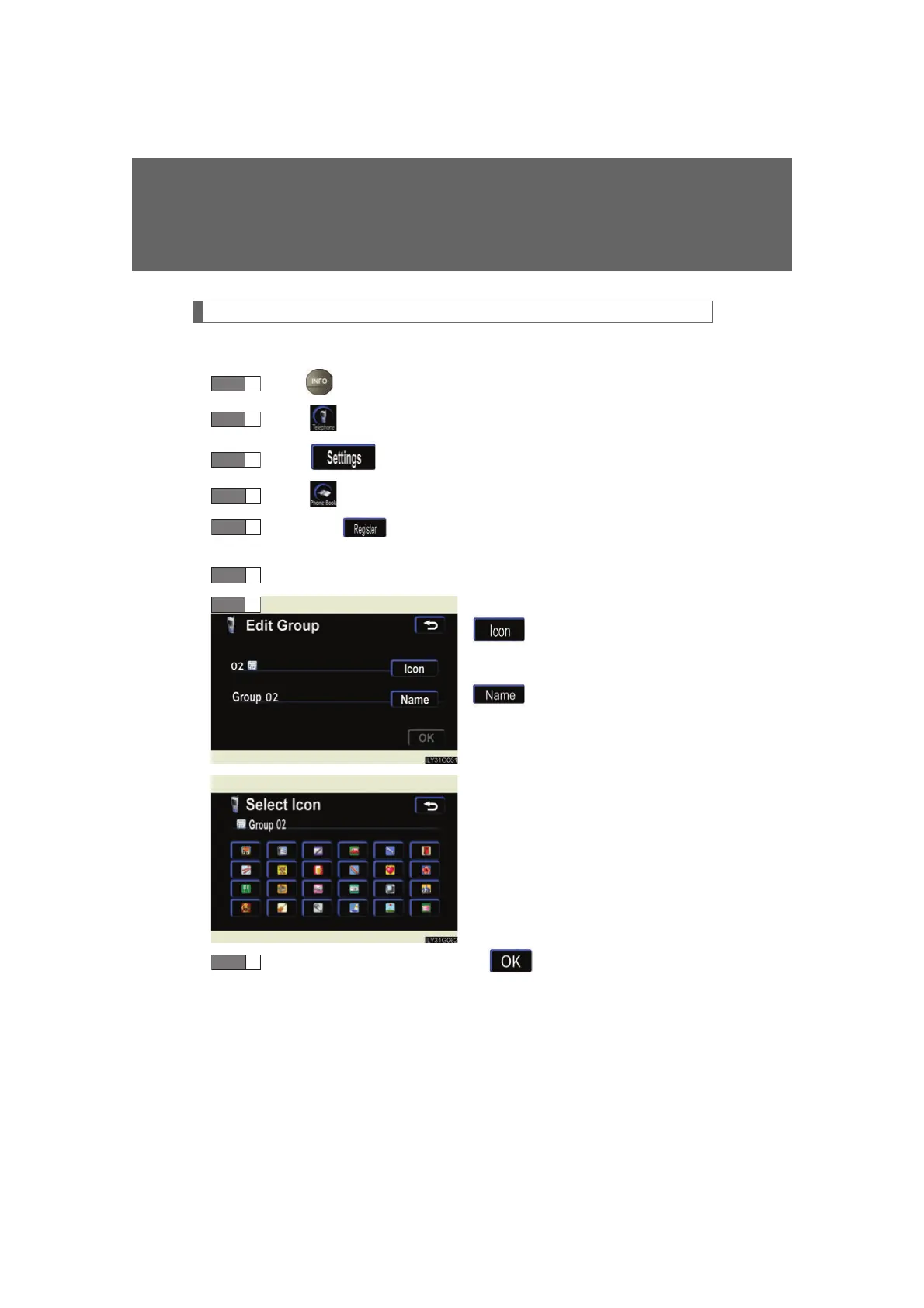
Select the switch to be edited.
: The below screen will be
displayed. Select the
de
sired icon.
: Input the name on the
“Name” screen.
Once editing is complete, touch .
STEP 1
STEP 2
STEP 3
STEP 4
STEP 6
STEP 7



 To Next Page