297
3-4. Using the hands-free system
3
Interior features
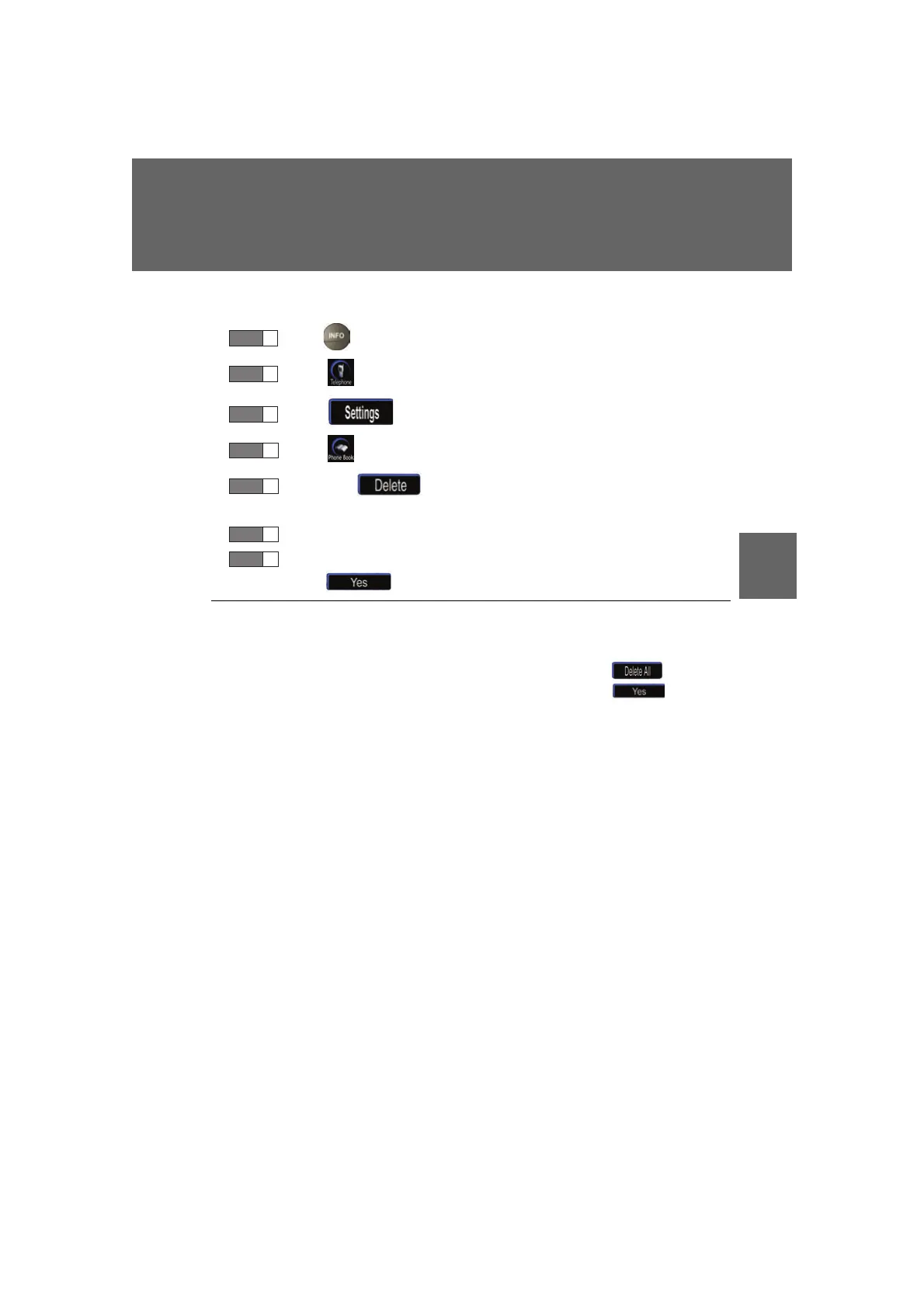
■ Deleting a group name
Press .
Touc h on the “Information” screen.
Touc h on the “Telephone” screen.
Touc h on the “Settings” screen.
Touch the switch in the “Group Name” section of the
“Phone Book Management” screen.
Select the group name to delete.
A confirmation message will be displayed. If everything is correct,
touch .
■ To delete all data
Follow the steps “Deleting phone book data” procedure to “STEP 5”. In the “Phone
Boo
k” section of the “Phone Book Management” screen, touch . A confir-
mation message will be displayed. If everything is correct, touch .
STEP 1
STEP 2
STEP 3
STEP 4
STEP 5
STEP 6
STEP 7



 To Next Page